Check in your way
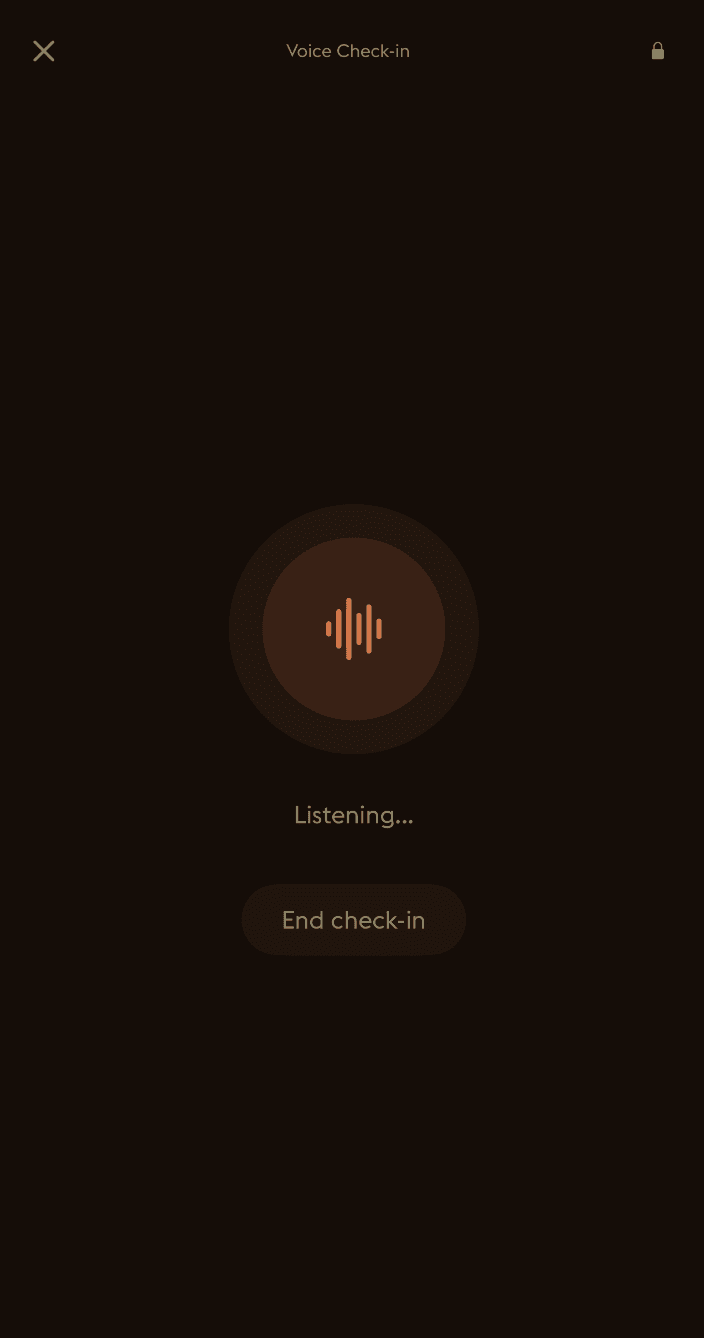
Type, speak, use a quick pulse, or keep the entry short. A few words still count.

Accessibility
Daylogue is a pattern journal for different access needs. It gives people a calmer way to check in, notice what changes over time, and read the emotional patterns across their own entries.
Access-needs friendly
People often ask whether a product is special-needs friendly. We prefer the clearer question: does it respect different access needs? Daylogue is designed for people who may need voice instead of typing, short prompts instead of blank pages, calm screens instead of busy dashboards, and a way back in after missing time.
What makes it accessible
Type, speak, use a quick pulse, or keep the entry short. A few words still count.
No streaks, crowded screens, or pressure to explain everything perfectly.
Daylogue reads past entries to detect emotional patterns you might miss day to day.
Your entries are yours. You choose what to write, what to keep, and what to share.
Different needs, same dignity
A good check-in tool should work on a clear day and on a hard one. Daylogue is not built around long writing sessions or perfect consistency. It is built around returning, noticing, and keeping the person in control.
Motor access
Voice check-ins and quick taps reduce the amount of precise typing required. Daylogue is designed around starting small, not composing a perfect entry.
Cognitive access
Guided prompts, short check-ins, plain language, and no streaks keep the experience calm for people who need lower cognitive load.
Vision access
The experience is built with readable contrast, dark mode support, semantic structure, and an accessibility roadmap for text alternatives to visual features.
Support circles
Daylogue can be used alongside a caregiver, parent, partner, coach, or support person. The person using Daylogue stays in control of their own entries.
Current support
Accessibility is ongoing work. These are the product behaviors and design commitments we can point to now.
Clear boundary
Daylogue is not therapy and is not a replacement for professional care. It does not diagnose, treat, or tell you what to do. It is a pattern journal that helps you notice what has been showing up in your own words.
Still improving
Questions people ask
People who want a simple, private way to understand their patterns, including people with different access needs and people who support them.
That is the goal, stated more clearly as access-needs friendly. Daylogue is built for different ways of reading, typing, speaking, focusing, and returning after time away.
Yes. Daylogue can help someone notice patterns, prepare for conversations, or reflect after a hard day. The person using it stays in control of their entries.
No. Daylogue reads past entries and surfaces patterns. You decide what those patterns mean and what to do next.
If you encounter an access barrier or want to tell us what would make Daylogue easier for you or someone you support, send a note. Include the device, assistive technology, and where the issue happened if you can.
Last updated: May 9, 2026