Written by Daylogue Editorial Team. Published September 2, 2026. Reviewed and updated September 2, 2026.
The best voice journal transcription alternative depends on the record you want. On-device dictation is the simplest route when text is enough. An audio-plus-transcript journal is better when hearing the original matters. Conversational transcription is useful when follow-up questions help uncover detail. A strong option makes the route that allows corrections, keeps prompts attached to answers, states whether audio is retained, and explains the connection, language, accent, microphone, and noise limits that affect accuracy.
The record matters more than the microphone button
A voice journal can create three very different archives. Dictation turns speech into editable text and may discard the audio. An audio journal keeps the recording and may add a transcript for search. A conversational system asks questions while it transcribes, creating a sequence of prompts and responses. All three begin with speech, but they do not preserve the same evidence.
A beginner who wants fast written notes may prefer dictation because there is less archive to manage. Someone who values cadence and exact delivery may want audio beside the text. Someone who struggles to know what to say may get more from a responsive question. The buying decision becomes easier when the desired end record is named before accuracy percentages or feature counts enter the picture.
Three transcription models, three kinds of context
On-device dictation is usually closest to typing by voice. It can be fast and private in the physical sense when used in a suitable room, though the device or keyboard provider’s current processing terms still matter. Audio-plus-transcript tools preserve a source recording, which makes disputed words easier to check. Conversational transcription adds prompt context, but it also adds another authored layer that should remain distinct from the speaker’s words.
Automatic summaries are a separate layer again. A transcript answers “what text did the speech recognizer produce.” A recap answers “how did the system condense or organize that text.” Those are not interchangeable. A useful archive labels each one and lets the person correct the transcript before relying on a recap.
| Route | Resulting record | Main advantage | Main question |
|---|---|---|---|
| On-device or keyboard dictation | Editable text | Low-friction text capture | What processing and retention does the device service use |
| Audio plus transcript | Recording with searchable text | The original can be checked | Can audio and transcript be exported or removed separately |
| Conversational transcription | Prompt-and-response transcript | Follow-up questions add context | Are prompts, answers, and generated summaries clearly labeled |
| Manual transcription | Human-edited text from a recording | Highest direct editorial control | Time and effort increase with every entry |
Accuracy changes with the setting
A clean demo in a quiet room says little about a real entry made near traffic, a fan, roommates, or a weak connection. Names, mixed languages, regional terms, and softly spoken phrases can also create errors. The practical question is not whether transcription is “accurate.” It is whether errors are visible, easy to correct, and unlikely to become hidden source material for later summaries.
Speaker control matters here. A transcript editor should make the corrected text clear without pretending the first recognition was exact. If audio is retained, a person may want to replay only the uncertain phrase instead of the entire entry. If audio is not retained, the interface should not imply that the transcript can always be verified later.
- Connection condition stated
- Supported languages current
- Accent and noise limits acknowledged
- Names and unusual words editable
- Audio retention stated
- Transcript correction available
- Summary generated only from identifiable source text
Provider names are useful only with a current explanation
A transcription feature may rely on the phone, the journal company, or a separate speech provider. Provider names can change, and a vendor’s credential does not become the journal company’s credential. The current product disclosure should explain what is sent, why it is processed, what comes back, and which policy governs the saved journal record. A store listing is not enough for that decision.
The presence of audio also changes the archive. Some people want the recording because it preserves their source. Others prefer text-only storage because they do not expect to replay their voice. A product should make that tradeoff explicit. The buyer should not need to infer it from a waveform icon or assume that a transcript means the recording was deleted.
A transcription trial that resembles real use
A short trial can include one name, one date, one place, and one sentence spoken with ordinary background sound. Those details make errors easy to spot. A second entry in the person’s normal speaking rhythm reveals whether the interface needs unnatural pacing. The test should use harmless material because its purpose is product fit, not a challenge with sensitive content.
The later review looks for the prompt, transcript, correction, audio status, and generated recap. Each layer should have a clear role. The person can then decide whether the saved text is reliable enough for search and pattern review, or whether a simpler typed route would create less cleanup.
01
A known set of details
A name, date, and place make recognition errors visible.
02
A realistic setting
Ordinary noise and speaking pace reveal practical limits.
03
A correction pass
The interface should make changes easy and authorship clear.
04
An archive check
Audio, transcript, prompts, and summaries remain distinct.
05
An export note
The final record states which layers can leave the product.
Live and after-recording transcription feel different
Live transcription lets the speaker see words appear and correct an obvious mistake during the session. That feedback can build confidence, but it may also pull attention back to the screen and interrupt the flow of speaking. After-recording transcription keeps the capture uninterrupted and delays correction until the entry is complete.
The better route depends on tolerance for uncertainty. Someone who needs names and dates captured precisely may value live text. Someone who speaks more freely without watching recognition may prefer a recording-first workflow. A product that offers both should make it clear which text becomes the saved source and when edits are applied.
Readable transcription needs more than recognized words
A transcript can contain the right words and still be exhausting to read. Missing punctuation, giant paragraphs, and incorrect speaker turns make later review difficult. Automatic formatting can help, but it is another generated layer that may alter emphasis. The person should be able to edit the text without losing the connection to the original recording when audio is retained.
Conversational transcripts need especially clear turn labels. A prompt, a short response, and a follow-up should not collapse into one paragraph. The archive should preserve order and distinguish the system’s words from the person’s words. That is necessary for authorship, not merely visual polish.
Connection behavior should match real settings
A cloud transcription feature may pause, fail, or delay output when the connection weakens. An on-device route may work without a connection, depending on the operating system and language pack. A beginner who expects to journal while traveling or outdoors should test the normal setting rather than assume the microphone button means offline support.
Failure behavior matters as much as successful transcription. If a connection drops, the product should say whether audio remains on the device, retries automatically, or is lost. A clear status prevents a person from repeating a personal entry because they cannot tell what was saved.
A correction should reach the right downstream text
Correcting “Tuesday” to “Thursday” changes the meaning of an entry. If a recap or search index was created from the mistaken transcript, the product should explain whether future outputs use the corrected text. The original audio, corrected transcript, and earlier generated recap may follow different update rules.
A responsible workflow does not need to erase every historical artifact. It needs to make the sequence understandable. The person should know which version a current summary relies on and be able to challenge an output that still reflects the error. This keeps transcription cleanup from becoming invisible maintenance.
Usage limits can change the practical winner
A transcription plan may limit minutes, entry length, languages, or the number of conversational sessions. Those boundaries can turn a comfortable trial into a different monthly experience. The current pricing and help pages should state the unit being limited so the beginner can estimate normal use.
Unlimited text entry and limited voice time may still be a good fit for someone who speaks only on busy days. A voice-first user may need a plan with more capacity or a simpler device dictation fallback. The useful comparison converts the plan into expected weekly minutes instead of accepting “voice included” as a complete answer.
Daylogue’s current voice disclosures
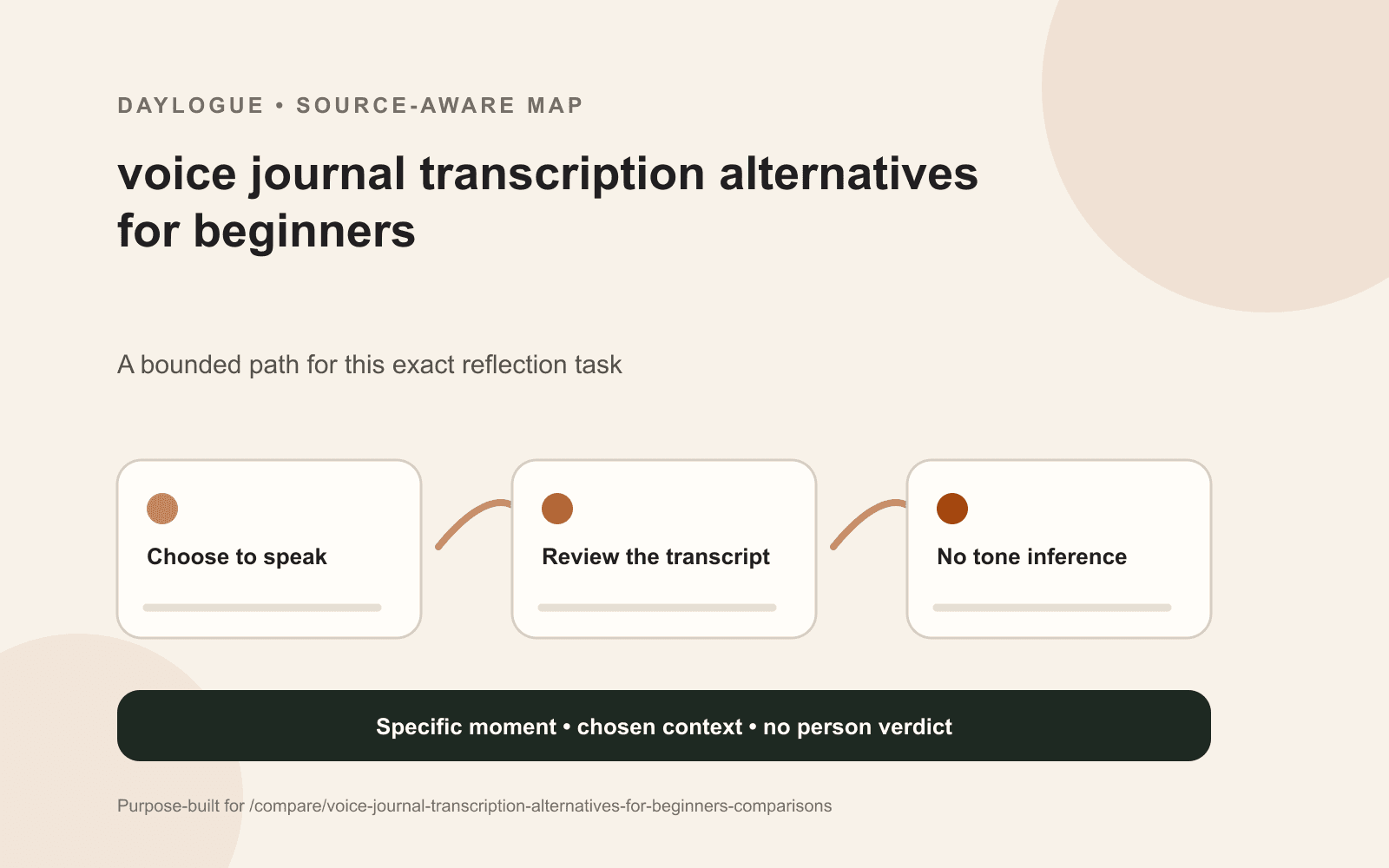
Daylogue does not infer emotion from faces, voice tone, or physiology. It works from the words and context people choose to share. Imported health records may be used as factual context but not as emotion labels. In a transcription comparison, this means vocal pace, pauses, or pitch do not become emotional evidence. The spoken words and chosen context are the source.
Daylogue’s current voice page identifies ElevenLabs for the conversational agent and says Deepgram may support speech-to-text and read-aloud features. Because provider arrangements can change, the dated first-party page is the right place to verify the current setup. The same page explains that transcription conditions vary, so correction remains part of a responsible beginner workflow.
Worksheet
Voice Journal Transcription decision sheet
A transcription record checklist covering audio status, prompt context, correction, connection limits, provider disclosures, downstream summaries, and export.
- Desired record is text, audio, or both
- Prompt context retained
- Audio retention stated
- Transcript can be corrected
- Names and dates survive a sample
- Noise limits visible
- Original and generated text distinct
- Provider disclosure dated
- Export contents known
- One-sentence fit decision recorded
Common questions
Which voice journal transcription option is simplest for beginners?
Dictation is usually simplest when the desired result is editable text. Audio-plus-transcript is better when the original recording matters. Conversational transcription adds value when relevant questions help the person say more, but it also creates more layers to review.
Does a transcript replace the voice recording?
Not automatically. Some tools may keep both, some may keep text only, and some may offer a choice. The current product documentation should state whether audio is retained and whether each layer can be exported or removed.
What causes voice journal transcription errors?
Connection quality, microphone quality, surrounding noise, language, accent, names, and unusual terms can all affect recognition. Visible editing and a clear source boundary matter more than a broad accuracy promise.
Should prompts appear in a conversational transcript?
Yes, when they shaped the answer. A reply such as “mostly tired” changes meaning depending on the question. Keeping prompt and response together makes later review more faithful to the actual conversation.
Can transcription infer how someone feels from tone?
That behavior should never be assumed. A product needs to state what signals it uses. Daylogue says it works from the words and context people choose to share and does not infer emotion from voice tone.
Sources
Sources were checked on the dates shown. Product details and policies can change.
- Daylogue voice check-ins · Daylogue · checked September 2, 2026
- Daylogue privacy policy · Daylogue · checked September 2, 2026
Keep exploring
Daylogue Knowledge Center
Browse practical guides for reflection, journaling, patterns, and privacy.
Read moreHow Daylogue shows patterns
See how candidate patterns stay connected to evidence and correction.
Read moreWhy Daylogue exists
Read the principles behind a system for self-understanding.
Read moreDaylogue is not therapy and is not a replacement for professional care.