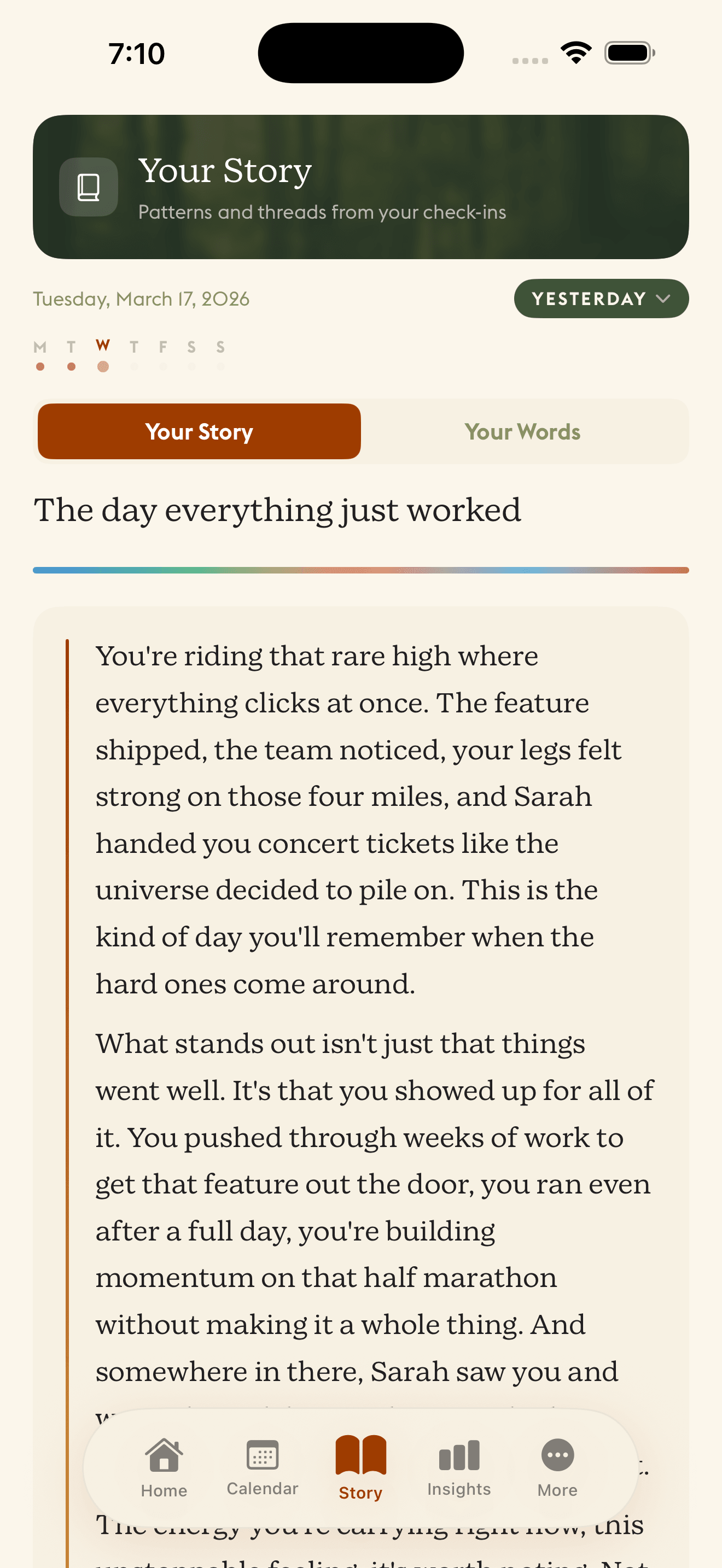
Bring your past with you.
Import old journals from text files, folders, PDFs, even photos. Daylogue reads them and weaves your history into your narrative timeline.
Years of journaling, finally connected
Most apps start from day one. Daylogue lets you bring everything you have ever written. Past journals, old notes, even your conversations with ChatGPT and Claude. Your narrative does not start when you download the app. It starts whenever you did.
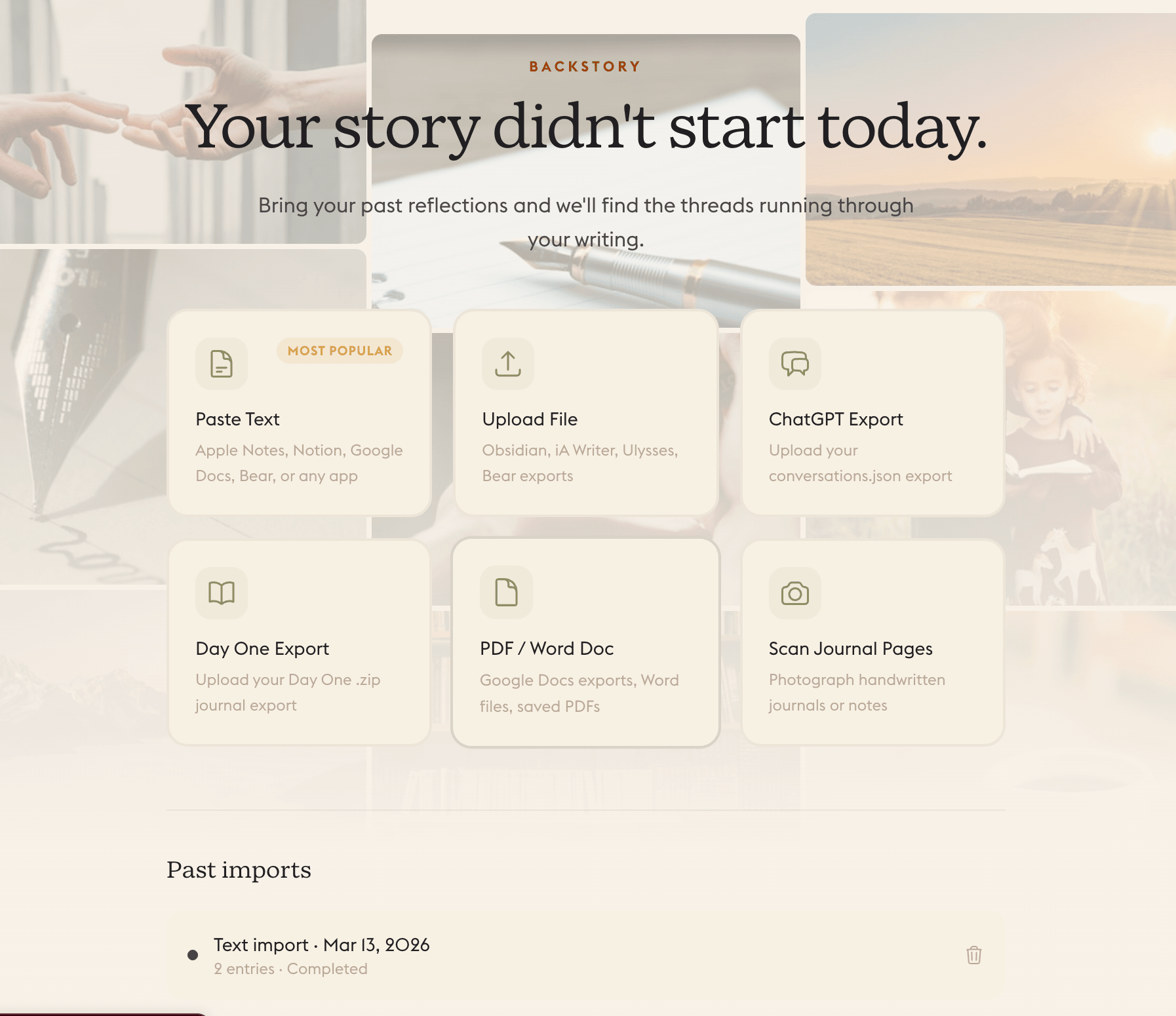
How backstory import works
Upload your past. Daylogue connects the rest.
Upload your journals
Drag and drop text files, folders, PDFs, or photos. We accept Day One, ChatGPT, and Claude exports, Apple Notes, Obsidian, Bear, Notion, Google Keep, and plain text.
AI reads and understands
Daylogue processes your entries, extracts emotional themes, identifies patterns, and builds a picture of your past.
Your timeline fills in
Past entries appear on your narrative timeline. Your chromascape gains depth. Themes stretch back months or years.
Your narrative gets richer
When Daylogue writes your daily story, it can reference patterns from your past. You've been here before. Last October, you wrote something similar.