Your wearable shows what changed. Daylogue shows what was happening around it.
Daylogue works with Apple Health and can read supported health metrics contributed by Apple Watch, iPhone, Oura, WHOOP, Garmin, and other connected sources — then turns them into context, not scores.
Context, not scores
Your wearable already gives you the numbers. Daylogue reads them differently: a private Body Read like “your sleep has been shorter than usual” arrives with a question, not a verdict. Add one honest sentence, and repeated overlaps become patterns you can actually recognize — “later work entries have overlapped with shorter sleep several times this month.” Daylogue notices overlaps. It never claims to know why unless you told it why.
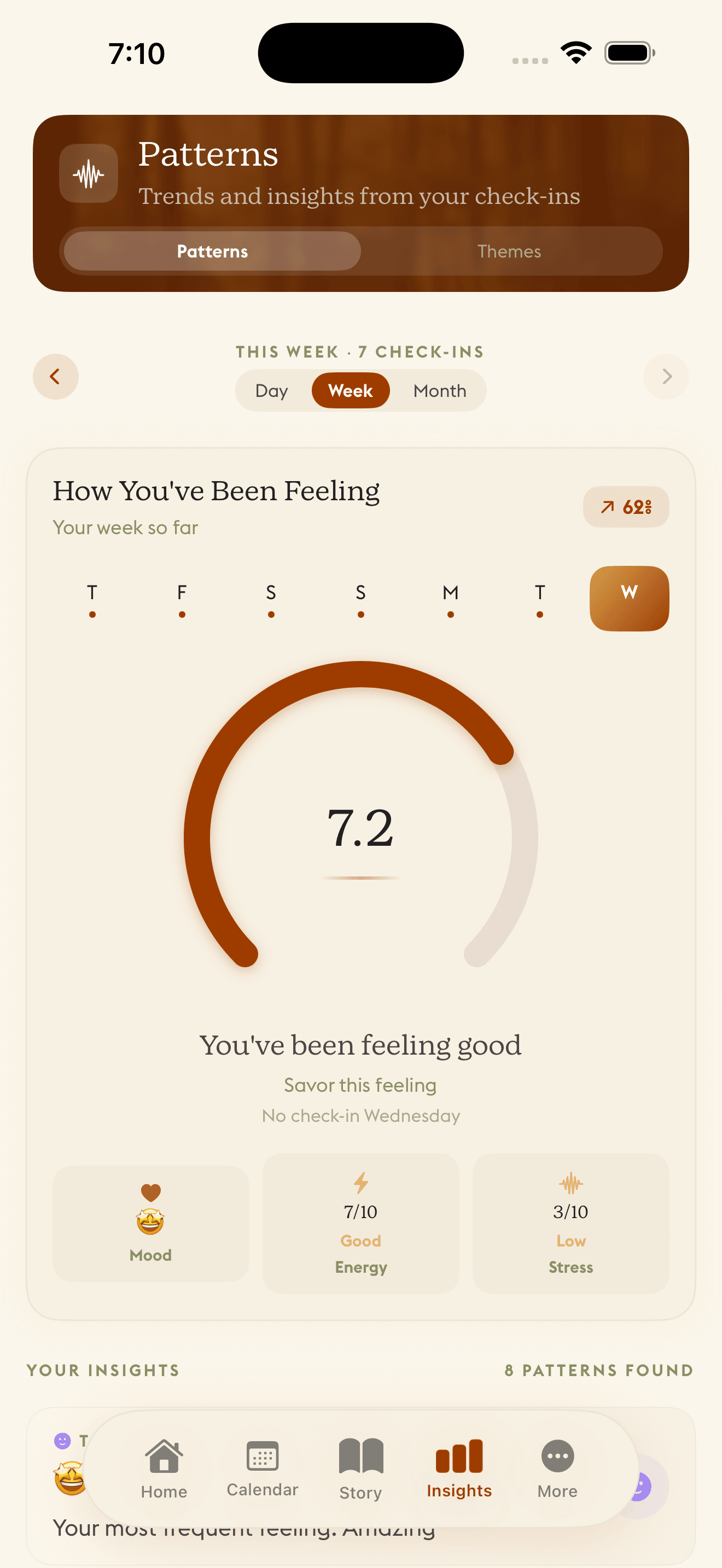
What Daylogue may notice
Each category is a separate choice in your settings, not one vague toggle. Vendor scores like Readiness or Strain stay with your wearable — Daylogue reads the supported health metrics underneath and connects them to your life.
Sleep
Duration and timing. "Your sleep has been shorter than usual" arrives with a question, never a score.
Movement
Steps and daily activity, read against your own baseline. Never a universal target.
Workouts
"You got a workout in today. That counts." Effort recognized, rest respected, no streaks.
Heart & Recovery
Resting heart rate and HRV — off by default, on only if you choose, and only once your data proves steady.
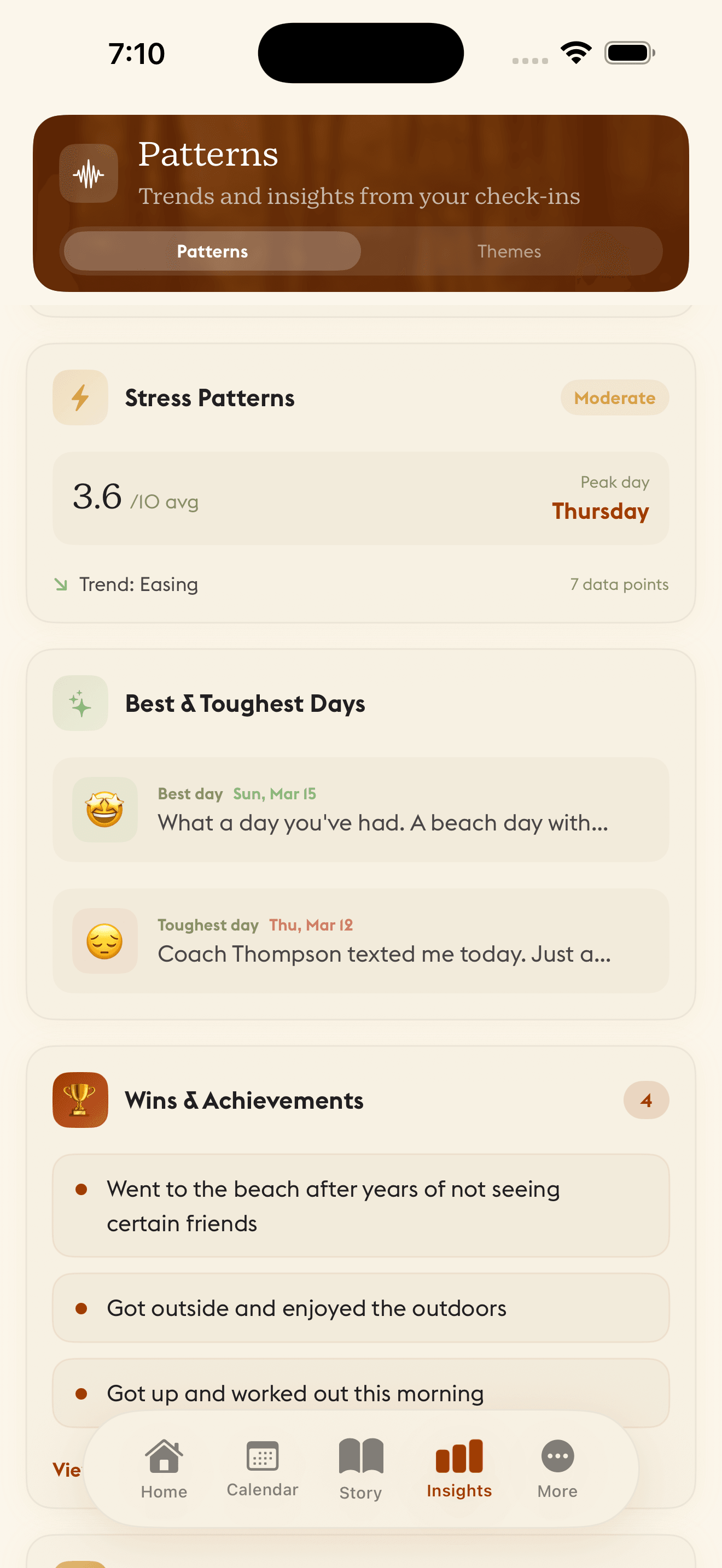
You choose what Daylogue may notice
Health data syncs securely so your patterns work across devices, and every category is a separate, revocable choice — heart and recovery data stays off until you turn it on. You can pause any category, delete health-derived patterns, or reset your baseline at any time. Missing data is never read as a problem, and nothing about your body ever appears on a lock screen. Daylogue is not therapy and is not a replacement for professional care.