Written by Daylogue Editorial Team. Published September 1, 2026. Reviewed and updated September 1, 2026.
Voice journaling is usually the better beginner choice when speaking feels easier than typing or when the moment is too full for a blank page. Text journaling is better when precise wording, quiet use, editing, and scanning matter most. A mixed practice often works best: voice for first capture, text for short corrections and later review. A conversational voice journal adds follow-up questions, while a basic voice note preserves a more direct monologue.
The difference begins with how a thought arrives
Voice keeps pace with a thought that is already moving. A beginner can speak while walking, sitting in a parked car, or looking away from a screen. The result often contains more natural sequence and emotional vocabulary because there is less time to polish. Text slows the moment down. That can help someone choose exact words, notice contradictions, and decide what belongs in the record before saving it.
Neither style is inherently deeper. A two-minute voice note can remain vague, and a three-sentence typed entry can be precise. The better route is the one that preserves enough context for the person to understand the entry later. For a rushed evening, voice may capture the event while it is fresh. For a sensitive topic in a shared space, text may be the more comfortable option.
Voice note, typed entry, or conversational voice check-in
A basic voice note records a monologue and may keep audio, a transcript, or both. A typed journal stores words the person has already reviewed. A conversational voice check-in adds questions during the session, which can help turn “the meeting was bad” into the specific moment that changed the day. That extra structure can be useful, but it also means the person should understand what is transmitted, saved, and shown later.
A mixed route uses voice for raw capture and text for a brief correction. This can reduce the false choice between speed and precision. The important detail is whether the archive clearly shows the original transcript, any edited text, and any generated recap. If those layers merge, later review becomes harder no matter how easy the first capture felt.
| Route | Strongest moment | Main friction | Archive question |
|---|---|---|---|
| Basic voice note | Fast, uninterrupted capture | Transcription errors or hard-to-scan audio | Are audio and transcript both available |
| Typed entry | Precise wording and quiet use | Blank-page or typing friction | Are edits and dates easy to follow |
| Conversational voice check-in | Relevant follow-up questions | More processing and session structure | What is sent, saved, and generated |
| Voice plus text correction | Speed followed by precision | Two-stage review | Does the corrected text remain linked to the source |
The room can decide before the format does
Voice is audible to people nearby. That simple fact can matter more than any app setting. A shared home, transit ride, open office, or dorm room may make text the more comfortable choice. Headphones do not prevent other people from hearing the speaker. A beginner who expects to journal in public may need a fast text fallback even if voice feels more natural in private.
Product boundaries also differ. Some voice tools can work on a device, while others transmit audio or text for processing. Some retain audio, some retain only a transcript, and some give the person a choice. Those details should come from the product’s current first-party disclosure. A competitor’s policy should never be inferred from Daylogue’s or from a generic description of voice technology.
The same moment in two formats
A useful trial begins with one ordinary event, such as a difficult commute or a surprisingly good lunch. A ninety-second voice entry captures the first telling. A short typed entry on the same event captures the second. The comparison is not about word count. It is about which version keeps the date, people, turning point, and the speaker’s own meaning recognizable several days later.
The later review also exposes archive friction. Audio may be slow to scan. A transcript may contain errors. Typed text may feel too compressed. A conversational prompt may uncover a detail that neither unstructured version included. The final choice can stay mixed, with one route for private high-energy moments and another for quiet or precise reflection.
01
One ordinary event
A low-stakes moment gives both formats the same source material.
02
Ninety seconds spoken
Voice reveals speed, comfort, noise, and transcription behavior.
03
Three sentences typed
Text reveals blank-page friction, precision, and editing preference.
04
A later review
Dates, details, errors, and source boundaries become visible after distance.
05
A mixed-use rule
The result can assign voice and text to different settings instead of forcing one winner.
Speed helps capture, while editing helps precision
Voice can record a long thought in less time than many people need to type it. That advantage is strongest when the person already knows what they want to say. It is weaker when speaking creates rambling that becomes hard to review. A transcript editor can bridge the gap, but editing a long spoken entry may take more time than writing a short note from the start.
Text naturally creates pauses that help with word choice. Those pauses can be valuable when the difference between “angry,” “embarrassed,” and “dismissed” matters. They can also interrupt a thought before the important detail arrives. A mixed practice lets the situation decide which tradeoff matters on that day.
Access needs can make the decision more personal
Voice may reduce friction for someone with limited hand mobility, screen fatigue, spelling difficulty, or a preference for speaking. Text may be easier for someone with speech fatigue, a noisy environment, or a language that transcription handles poorly. Accessibility is not a generic advantage attached to one format. It depends on the person, device, and setting.
Language switching can also affect the archive. A person may speak in one language and add a typed phrase in another. The product should state which languages are supported and how mixed-language text appears. The safest trial uses the person’s real vocabulary, including names and ordinary code-switching, rather than a scripted demo sentence.
The fastest capture may create the slowest review
A five-minute recording is easy to make and slow to scan. A transcript improves search, but it may still contain long blocks without useful breaks. Typed entries are usually easier to skim because the writer created paragraphs during capture. A voice product can reduce review friction with timestamps, prompt labels, and short source excerpts, provided those aids do not replace the original.
The likely review habit should shape the choice. Someone who rarely rereads may value capture speed most. Someone who prepares a weekly recap may prefer concise text or a corrected transcript. Someone who searches for names and events needs reliable text even if audio remains the primary source.
A follow-up question changes the kind of entry
A monologue preserves the person’s chosen sequence without interruption. A conversational check-in can notice a broad phrase and ask for one specific example. That may create a clearer entry, but it also changes what was recorded by shaping the direction. The prompt should remain visible so the later reader knows why the answer took that form.
A beginner may prefer monologue for private storytelling and conversation for days that feel hard to organize. Both can belong in one archive when speaker labels and source types are clear. The product should not present a prompted answer as though it arose without a question.
A text fallback protects choice in sensitive moments
A voice session can become uncomfortable when another person enters the room or the topic changes unexpectedly. An immediate pause, stop, or switch-to-text path helps the person keep control. The product should not pressure the user to finish a spoken session or suggest that an incomplete recording has less value.
The saved state also matters. A partial transcript may contain enough context to keep, or the person may want to discard it. The interface should explain what happens when recording stops before completion. This ordinary edge case tells a beginner more about control than a polished demonstration of continuous speech.
How Daylogue handles the interpretation boundary
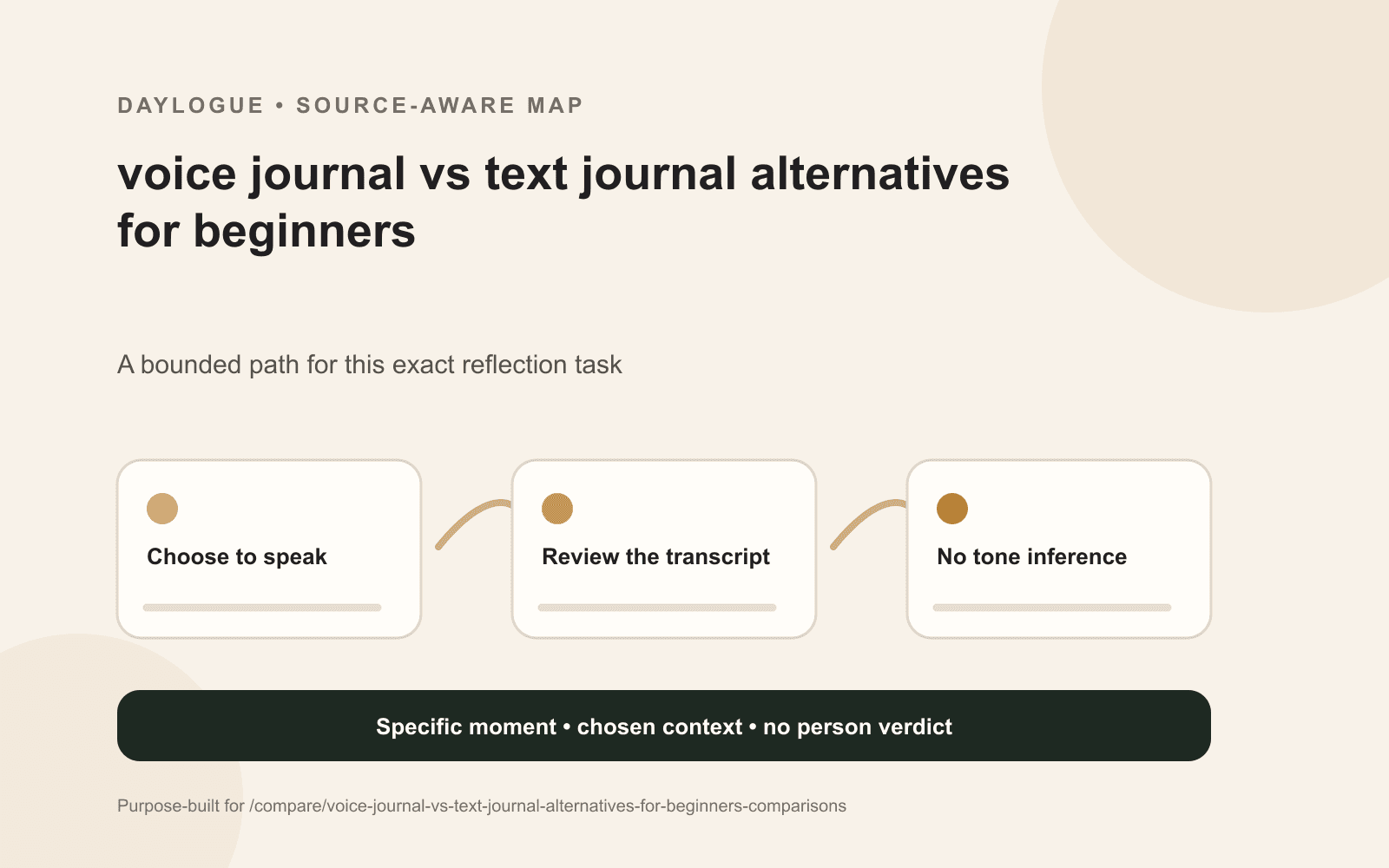
Daylogue does not infer emotion from faces, voice tone, or physiology. It works from the words and context people choose to share. Imported health records may be used as factual context but not as emotion labels. That means a pause, pace, or vocal quality is not turned into an emotional verdict. The relevant material is what the person actually chooses to say and the context they choose to include.
Daylogue’s current voice page says transcription speed and accuracy can vary with the connection, language, accent, microphone, and surrounding noise. That is a practical reason to keep correction and review in the buying decision. A voice check-in can lower capture friction, but the transcript remains text that may need the speaker’s correction.
Worksheet
Voice Journal vs Text Journal decision sheet
A voice-versus-text trial sheet for recording capture comfort, correction effort, review speed, setting, processing boundaries, and the best use for each format.
- Private place available for speaking
- Text fallback available
- Audio retention stated
- Transcript can be corrected
- Original and edited text distinct
- Prompts remain connected
- Generated recap clearly labeled
- Export contents stated
- Processing disclosure current
- Best-use setting written in one sentence
Common questions
Is voice journaling easier than typing for beginners?
It is often easier when thoughts arrive faster than someone can type or when a blank page creates friction. Text can be easier in shared spaces and for people who want precise wording. A short trial with the same event shows which friction is smaller.
Does a voice journal understand emotion from tone?
That behavior cannot be assumed. A product should state what signals it uses. Daylogue says it does not infer emotion from faces, voice tone, or physiology. It works from the words and context a person chooses to share.
Should a voice journal keep the recording?
There is no universal best choice. Audio can preserve the original delivery, while transcript-only storage may be easier to search. The product should state whether audio is retained, whether the transcript can be corrected, and what appears in an export.
Can voice and text journaling work together?
Yes. Voice can handle first capture and text can handle correction, quiet settings, or concise follow-up. The archive works best when both formats share dates and keep the original, edited, and generated layers distinct.
What makes a voice transcript trustworthy enough to revisit?
Visible correction, clear timestamps, retained prompt context, and an honest accuracy disclosure make a transcript easier to evaluate. It should not hide uncertainty or present every recognized word as a perfect record.
Sources
Sources were checked on the dates shown. Product details and policies can change.
- Daylogue voice check-ins · Daylogue · checked September 1, 2026
- Daylogue privacy policy · Daylogue · checked September 1, 2026
Keep exploring
Daylogue Knowledge Center
Browse practical guides for reflection, journaling, patterns, and privacy.
Read moreHow Daylogue shows patterns
See how candidate patterns stay connected to evidence and correction.
Read moreWhy Daylogue exists
Read the principles behind a system for self-understanding.
Read moreDaylogue is not therapy and is not a replacement for professional care.