Written by Daylogue Editorial Team. Published August 8, 2026. Reviewed and updated August 8, 2026.
Daylogue does not store audio recordings from voice check-ins, so there is no saved voice file to delete afterward. Audio is processed in real time and discarded after structured check-in data is extracted. That extracted data is stored in readable form so Daylogue can write narratives and surface patterns. Deleting the recording and deleting the resulting check-in data are not the same task.
The audio recording is not kept
Daylogue does not store audio recordings. Voice is processed in real time and only the extracted structured data is saved, protected in transit by TLS and by strict per-user access controls. The voice feature uses live speech processing to conduct the check-in, then turns what you chose to share into the same kinds of fields used by a typed check-in. The current Voice Check-ins page at /features/voice explains the product flow.
That means a search for a saved audio library or recording-delete button starts from the wrong model. There is no stored recording in the described flow. What remains is the extracted check-in data and any generated narrative or pattern output that depends on it. Those records deserve their own review before you speak.
What remains after the conversation
Daylogue's public voice and privacy pages establish live transcription and saved structured check-in data, but they do not establish that Daylogue retains a full transcript after the check-in. The structured fields are stored in readable form so Daylogue can use them in narratives and patterns. Voice and typed check-ins can therefore contribute comparable fields to the personal record even though the raw audio is discarded.
Transcript retention remains unspecified in those public pages. Before a voice check-in, decide whether you are comfortable storing the extracted fields under the current Daylogue privacy policy at /privacy, and verify the live product if transcript retention matters to your decision. If you only want to say something without adding structured data to the system's record, this flow is not described as an ephemeral note mode.
Follow the voice processing chain
The privacy policy names Deepgram for speech-to-text, ElevenLabs for conversational voice, and AWS Bedrock for AI processing. It states zero data retention per contract for the voice providers and zero data retention for Bedrock processing. All voice data travels through the processing chain in readable form while the feature is working, even though the audio is not kept afterward.
Daylogue does not run emotion recognition on your face or on the tone of your voice. It works only from what you choose to share. The words and structured answers drive the check-in record. A pause, accent, volume change, or facial expression is not described as a hidden emotional signal.
| Item | During check-in | After check-in |
|---|---|---|
| Audio | Processed in real time | Not stored as a recording |
| Transcript | Created live from speech | Retention is not established by the public pages |
| Structured fields | Extracted from what you share | Saved for narratives and patterns |
| Voice tone | Not used for emotion recognition | No inferred emotion record described |
Ask the right deletion question
If your goal is to remove what you said, ask about the resulting check-in and possible transcript, not an audio file. Daylogue's public pages establish that account data can be deleted, but they do not document a screen-by-screen deletion path for one extracted voice check-in. Check the current product controls or privacy request process before relying on a specific route.
When evaluating any voice journal, separate four controls: stop recording, discard before submission, delete the saved transcript or entry when one exists, and delete the account. A product can offer one without offering all four. Clear retention language should name the artifact, the processor, the duration, and what remains after processing.
- Confirm whether raw audio is stored at all.
- Check whether a full transcript becomes part of the journal.
- Find out how to remove one saved check-in.
- Verify what generated summaries remain after a source entry changes.
Readable does not mean public
Daylogue protects data in transit with TLS and uses per-user access controls, but voice-derived records are not end-to-end encrypted. Its servers read extracted data to write narratives and surface patterns. No one else using Daylogue can see your private journal by default, yet the service itself must process readable content for these features to work.
The policy also says Daylogue does not sell personal data or use personal entries to train AI models. Those protections answer different questions from encryption and retention. Review each one separately. A no-sale promise does not mean the service cannot read an entry, and discarded audio does not mean the transcript disappeared.
Choose voice when the retained record fits
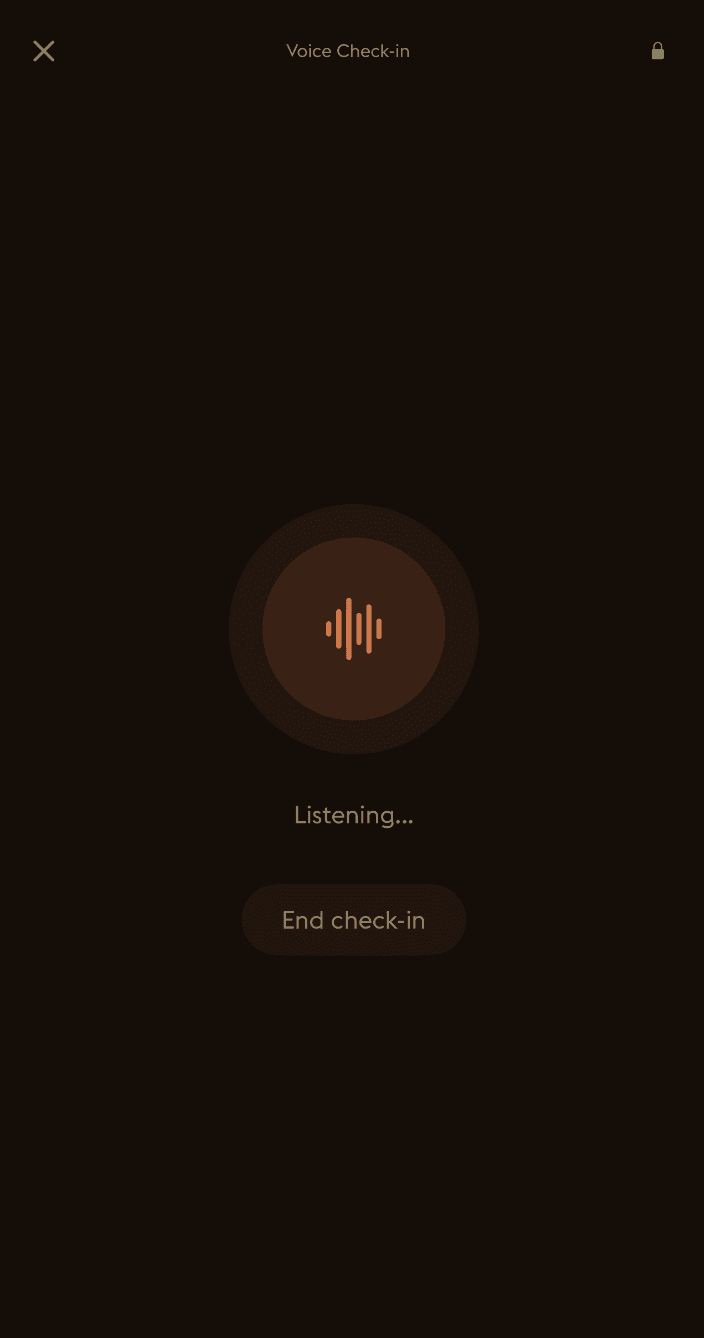
Voice can lower the effort of a check-in on a day when typing feels slow. The Voice Check-in image centers on an orange waveform and the Listening state. It does not show a recording archive or audio playback control.
Use the feature when you want your spoken words to contribute structured data to your ongoing Daylogue record. If you need a tool that saves audio for replay, or a mode that discards every extracted field, verify that requirement elsewhere. The useful boundary is simple: no stored audio recording does not mean no stored data.
Decision Table
Voice Journal Retention Questions
Use these questions to distinguish audio disposal from transcript, entry, summary, and account deletion controls.
- Is raw audio stored, and for how long?
- Is a full transcript retained after processing, or only created live?
- Which structured fields are extracted from the conversation?
- Can one voice-derived check-in be deleted?
- Do generated summaries change when a source entry is removed?
- Can I export the retained fields before deletion?
Common questions
Does Daylogue save my voice recording?
No. Daylogue's product and privacy pages say audio is processed in real time and is not stored as a recording after extraction.
Does Daylogue keep a transcript?
Daylogue's public pages document live transcription but do not establish that a full transcript is retained after the check-in. Verify the current product and privacy controls if transcript retention affects your decision.
Does Daylogue analyze how my voice sounds?
No. The privacy policy says Daylogue does not run emotion recognition on the tone of your voice or on your face. It works from what you choose to share.
Is voice check-in data end-to-end encrypted?
No. The extracted data is protected in transit and by per-user access controls, but Daylogue reads it on its servers to provide narratives and pattern features.
Sources
Sources were checked on the dates shown. Product details and policies can change.
- Daylogue voice check-ins · Daylogue · checked August 8, 2026
- Daylogue privacy policy · Daylogue · checked August 8, 2026
- NIST AI Risk Management Framework · National Institute of Standards and Technology · checked August 8, 2026
- NIST Privacy Framework · National Institute of Standards and Technology · checked August 8, 2026
Keep exploring
Daylogue Knowledge Center
Browse practical guides for reflection, journaling, patterns, and privacy.
Read moreHow Daylogue shows patterns
See how candidate patterns stay connected to evidence and correction.
Read moreWhy Daylogue exists
Read the principles behind a system for self-understanding.
Read moreDaylogue is not therapy and is not a replacement for professional care.