Written by Daylogue Editorial Team. Published August 31, 2026. Reviewed and updated August 31, 2026.
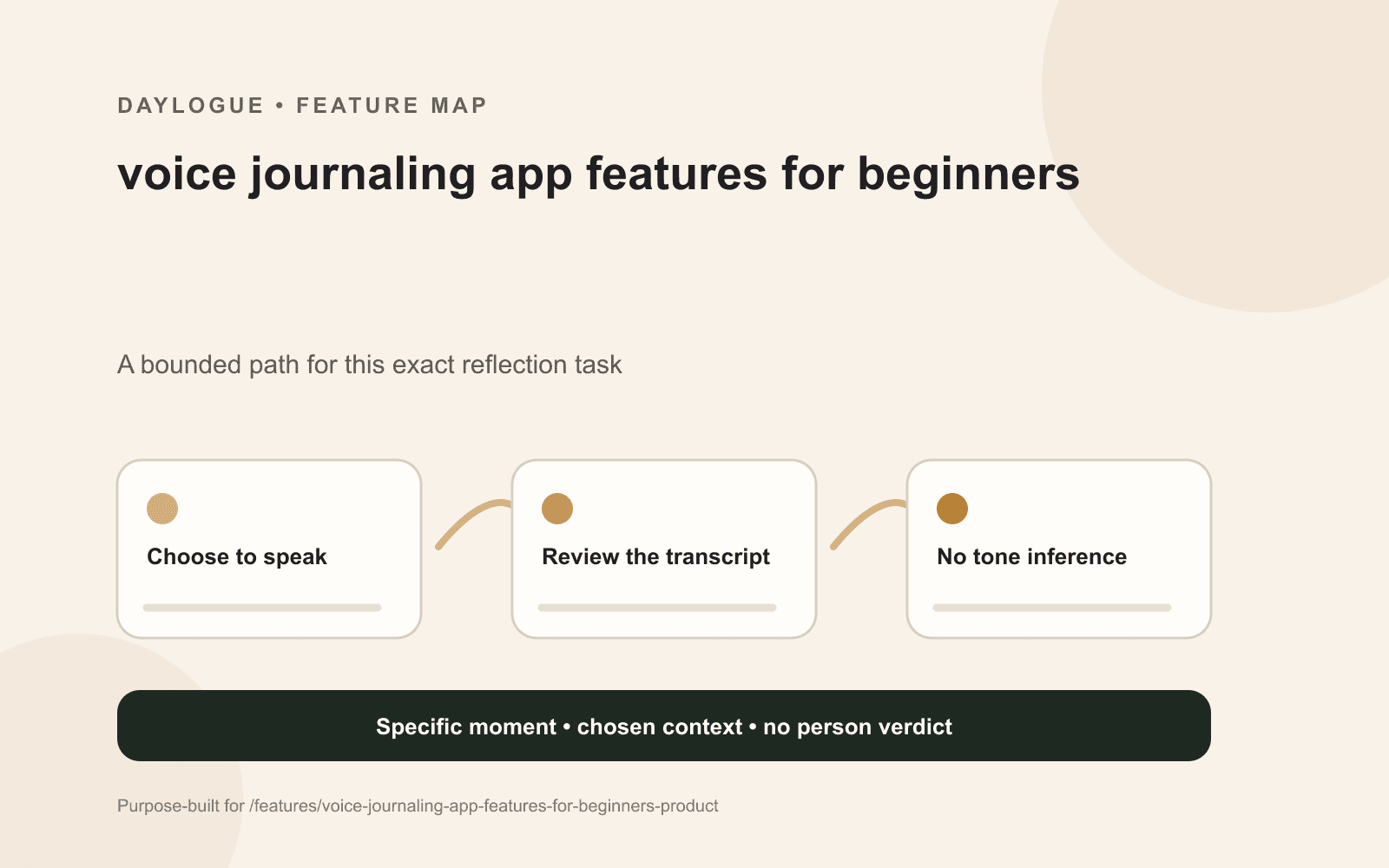
The most useful voice journaling app features for beginners appear after speaking: a visible transcript, easy corrections, clear audio and text handling, optional follow-ups, and an understandable stop or delete path. A reader might test with a low-stakes note that includes a proper noun, a pause, and a sentence whose punctuation matters. The app should preserve chosen words without treating vocal tone as evidence about emotion.
A three-minute field test reveals the real voice product
A reader might record while walking slowly or sitting somewhere with ordinary background noise. The sample can include a name such as Nia, a time such as 4:15, and a sentence that changes meaning with punctuation: I said yes, after thinking. A reader might pause midway, restart one thought, and stop before the entry feels polished. This small sample exposes more than a perfect studio recording.
Then inspect what the product saved. Is audio retained, is only a transcript retained, or are both present? Can the name be corrected without rerecording the entire note? Does a stopped recording remain a draft, disappear, or enter history? A beginner feature guide is incomplete until those post-recording paths are visible.
01
Speak a low-stakes scene
A reader might use an ordinary memory with one proper noun, one number, and one sentence that includes a pause.
02
Interrupt yourself
Restart a sentence or leave a thought unfinished so the transcript has to represent natural speech.
03
A reader might inspect before accepting
A reader might read names, numbers, negations, and punctuation before the transcript becomes part of saved history.
04
A reader might test the exit
A reader might stop, discard, edit, and delete a sample so each control path is understood before personal material is added.
Transcript fidelity is about meaning, not perfect punctuation
A transcript can look clean while changing the entry. Proper nouns may become common words. Did not may lose the negative. A long pause may turn two separate ideas into one sentence. The useful product behavior is visible uncertainty and easy correction, especially around names, numbers, and words that reverse meaning.
Editing also needs a clear relationship to the source. Some people want to keep the rough spoken rhythm. Others want a readable paragraph. A product can offer both views or make the transformation explicit. It becomes harder to trust when polished language silently replaces the transcript and the original spoken wording can no longer be checked.
| Speech detail | Possible change | Useful control |
|---|---|---|
| Proper noun | Nia becomes near | Tap-to-correct word |
| Negation | Did not becomes did | Playback or source comparison |
| Long pause | Two thoughts merge | Manual paragraph break |
| Restarted sentence | Both versions remain | A reader might select and remove repetition |
Voice capture and voice conversation are different modes
A voice note captures a monologue. A conversational check-in may respond with another question. Those modes create different expectations, processing paths, and stopping behavior. The interface can identify which mode is active before recording begins. It can also make a one-way note complete without requiring a generated response.
Follow-ups are most useful when they refer to something the speaker actually said. If the note mentions pacing outside before a call, a grounded question might ask what changed when the call began. A question about hidden fear or vocal tension goes beyond the chosen words. The speaker can skip the follow-up, switch to text, or end the entry.
Voice tone is not an emotional data source
Daylogue does not infer emotion from faces, voice tone, or physiology. It works from the words and context people choose to share. That boundary matters because a quiet voice could reflect a sleeping child nearby, a public setting, a sore throat, or simple preference. The recording does not reveal which explanation is true.
A voice product can still respond to stated context. If the speaker says the afternoon felt crowded, those words are available. If the speaker never names a feeling, the software has no basis to invent one from pitch, pace, volume, or pauses. Product copy, onboarding, and generated follow-ups can all preserve that distinction.
- Chosen words can provide context when the speaker states it.
- Pitch, volume, speed, and pauses do not establish emotion.
- Background noise can affect transcription without describing the person.
- A correction path lets the speaker restore meaning after speech recognition errors.
A reader might map audio, transcript, response, and saved history separately
Voice journaling can involve several data objects. There may be temporary or saved audio, a transcript, a generated follow-up, an edited entry, and metadata such as time or device. A single word such as private does not explain which objects exist, who processes them, how long they remain, or which deletion path applies.
The beginner test can follow one sample from microphone permission through deletion. A reader might check whether the product names its speech provider, whether the transcript is editable before saving, whether audio can be removed separately, and what appears in export. The goal is not a universal winner. It is a processing boundary the person understands well enough to choose.
A privacy framework helps organize questions, not award trust
NIST describes its Privacy Framework as a voluntary tool intended to help organizations identify and manage privacy risk. For a shopper, that statement is useful as a way to think in categories such as data processing, control, communication, and risk. It is not a badge that makes a particular voice app safe or suitable.
A practical comparison asks concrete questions. What begins recording? What is visible before saving? Which object can be edited or deleted? Which service providers receive audio or text? What remains in account history or export? Clear answers allow someone to use voice for ordinary moments, keep certain topics in text, or leave them offline.
Checklist
Three-minute voice journal field test
A low-stakes checklist for testing capture, transcription, correction, mode disclosure, data handling, and stopping behavior before speaking a longer personal entry.
- Say one proper noun and confirm how it appears in the transcript.
- A reader might include a negation and check that its meaning remains intact.
- A reader might pause, restart a sentence, and inspect how repetition is handled.
- A reader might confirm whether the mode is a voice note or conversational check-in.
- A reader might find the indicator that shows when recording begins and ends.
- A reader might identify whether audio, transcript, generated text, or all three are saved.
- Edit one word, discard one draft, and delete one saved sample.
- A reader might open export or account controls and confirm what the sample becomes.
Common questions
What is the best first test for a voice journaling app?
A reader might use a low-stakes note with a name, number, pause, and correction. Then inspect the transcript, save behavior, export, and deletion controls.
Does a clean transcript mean the spoken meaning is accurate?
Not always. Names, negations, restarts, and punctuation can change meaning even when the paragraph looks polished. Source comparison and editing help.
Can a voice journal determine emotion from how someone sounds?
Voice tone does not establish emotion. A product can work from the words and context a person chooses to share without treating pitch, pace, or volume as a feeling label.
Is a conversational voice check-in the same as a voice note?
No. A voice note captures speech, while a conversational mode may generate follow-up questions. The product can identify the active mode and its processing before recording.
What voice data controls are worth comparing?
A reader might look for microphone permission, recording indicators, transcript review, audio retention, provider disclosure, separate deletion paths, export behavior, and a clear stop control.
Sources
Sources were checked on the dates shown. Product details and policies can change.
- Daylogue voice check-ins · Daylogue · checked August 31, 2026
- NIST Privacy Framework · National Institute of Standards and Technology · checked August 31, 2026
Keep exploring
Daylogue Knowledge Center
Browse practical guides for reflection, journaling, patterns, and privacy.
Read moreHow Daylogue shows patterns
See how candidate patterns stay connected to evidence and correction.
Read moreWhy Daylogue exists
Read the principles behind a system for self-understanding.
Read moreDaylogue is not therapy and is not a replacement for professional care.