Written by Daylogue Editorial Team. Published September 2, 2026. Reviewed and updated September 2, 2026.
Exporting AI journal entries means creating a usable copy of journal writing and related files outside the account where they were created. For beginners, it can make room for keeping access to original writing when changing tools, making a backup, or reviewing what a service can return. The record stays bounded: it shows what was written and what context was available, while missing days and later revisions remain visible.
What exporting ai journal entries means
Exporting AI journal entries is creating a usable copy of journal writing and related files outside the account where they were created. The useful job for beginners is keeping access to original writing when changing tools, making a backup, or reviewing what a service can return. Its evidence remains concrete: file formats, included date ranges, attachments, transcript fields, and anything the export leaves out.
A useful first example can be small: one dated scene, one detail, and one question left open. An export is a copy of available data. It is not the same as a summary, an interpretation, or proof that every internal record was included. The page can stop after one honest line or remain unfinished.
A first export in everyday terms
A first-time journal app user downloads one month of entries before changing phones. They open the archive, locate an early entry and a recent one, and confirm that each date still matches. One attached image opens. A second attachment is missing, so the archive is not yet treated as complete.
That small check separates possession from usability. A file can exist on a device while remaining unreadable, incomplete, or dependent on software the writer does not have. The export becomes more trustworthy when the person knows what arrived, what did not, and where the outside copy now lives.
| Archive part | A useful check | Possible gap |
|---|---|---|
| Entry text | Several old and new entries open | Formatting or paragraphs changed |
| Dates | Original entry dates remain visible | Download date replaced creation date |
| Attachments | A sample image or audio file opens | Files are missing or linked only |
| Format | The copy works in available software | A proprietary file cannot be read |
An export is not the same as a recap
A recap selects details and compresses them into a shorter account. An export aims to preserve source material closely enough that the writer can return to original entries. The two can coexist, but a recap cannot stand in for missing source text when exact wording or chronology matters.
An exported archive also differs from a screenshot collection. Screenshots may preserve appearance while making search, dates, accessibility, and bulk review harder. A beginner can judge the format by the future task: reading, searching, printing, migrating, or keeping a simple backup.
What may be inside the archive
Journal services can store more than entry text. Titles, timestamps, tags, prompts, photos, audio, generated summaries, and account settings may follow different export paths. The presence of one category does not establish that every other category is included. The service description remains the source for the promised scope.
A clear archive can identify each included category and its format. It can also leave exclusions visible. That is more useful than a broad promise that “your journal” was exported, because the phrase may hide important differences between original writing, derived outputs, and app-only features.
- Entry text and its original date can be checked together.
- Attachments may need their own folder or manifest.
- Tags and prompts may appear as separate fields rather than visible prose.
- Generated outputs should not be confused with the writer’s original words.
A low-pressure archive check
A beginner may choose a small sample instead of inspecting every file. One early entry, one recent entry, one item with an attachment, and one item with a tag can reveal many common problems. The check can stop once the person has enough information for the decision they are making.
If something is unclear, the uncertainty can be written beside the archive rather than guessed away. A short note such as “audio not found” or “dates appear in UTC” may be more helpful later than a confident statement that the export is complete.
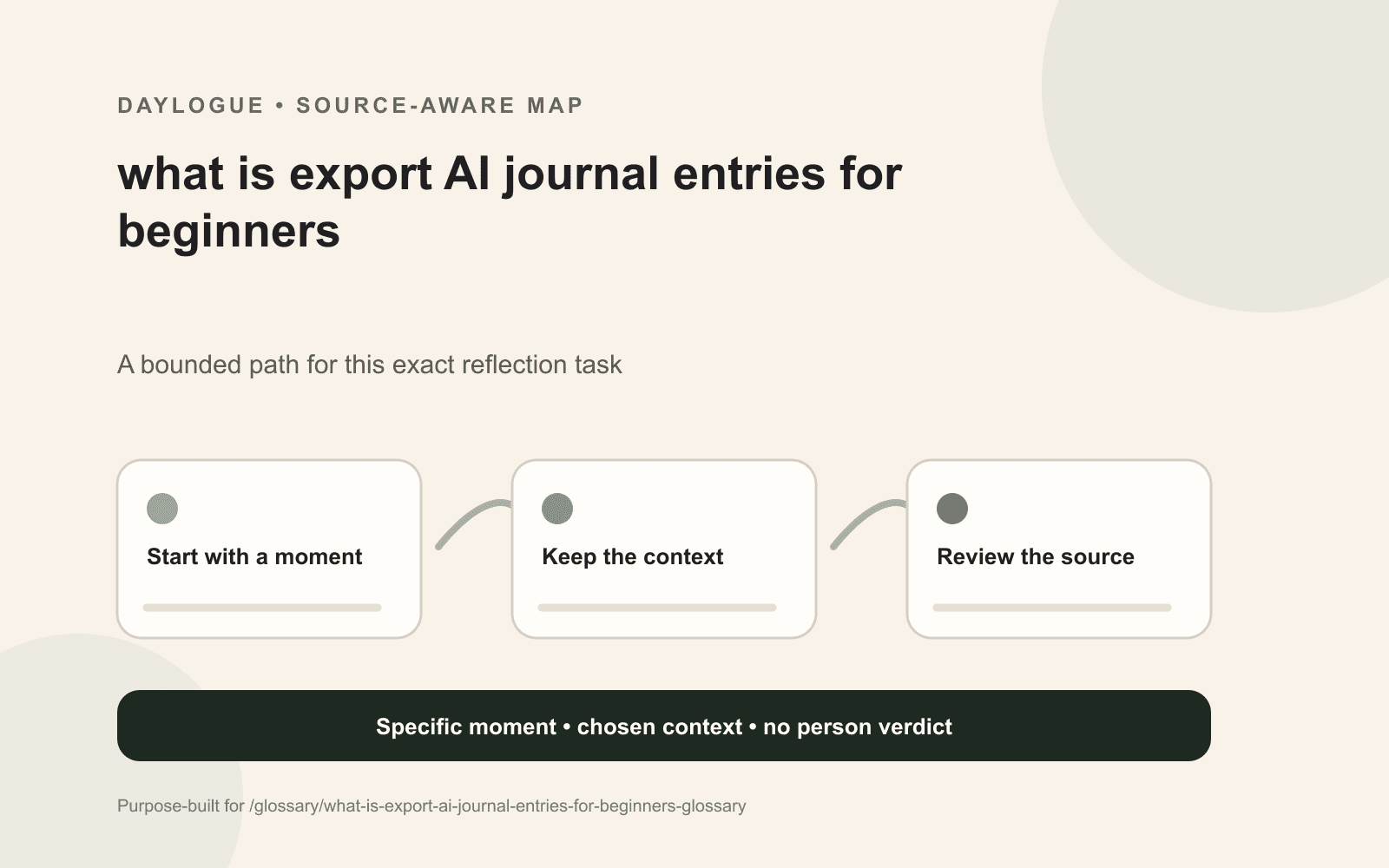
01
Open the container
The downloaded folder or file can be opened with software the writer expects to keep using.
02
Sample the chronology
A few distant dates may show whether entry order and original timestamps survived.
03
Try one attachment
A photo, audio clip, or document can reveal whether media was embedded, linked, or omitted.
04
Choose the destination
The outside copy may be stored where device access, backups, and sharing match the writer’s preference.
The privacy boundary moves with the file
An export creates a new copy with a new access boundary. The file may appear in a downloads folder, cloud backup, recent-file menu, shared drive, or employer-managed device. Exporting from one service does not carry the original service’s access controls into every new location.
The writer may choose a personally controlled destination, a neutral filename, or fewer copies. Those are options, not requirements. The important point is that moving the words also moves responsibility for deciding who can reach the new copy.
What Daylogue currently supports
You can request an export or account deletion. This exact statement supports the availability of a request path. It does not specify that every record appears in one file, that an export is immediate, or that every outside storage location is protected in the same way.
The current product and privacy disclosures define the actual scope, format, timing, and limitations. A glossary definition cannot expand those details or turn a general control into a promise about a particular archive request.
Why a complete archive need not become a tidy story
A 2019 study of 395 young adults found that the relationship between narrative coherence and well-being was more complex than a simple universal benefit. An archive can preserve fragments, contradictions, and unfinished entries without forcing them into a smooth personal narrative.
That distinction matters because the goal of exporting is access to source material. The archive does not need to prove that the writing forms one coherent account. Its usefulness may come from preserving the rough edges that a later summary would otherwise remove.
When exporting may fit the moment
Exporting may fit before changing tools, closing an account, making a personal backup, or preparing to read entries outside an app. It may not solve every migration problem because another service can require a different format or reject attachments and metadata.
The beginner question is concrete: can the wanted writing be found, opened, dated, and understood outside the original account? If the answer is only partly yes, the remaining gaps can stay named while another format or support path is considered.
Checklist
Exporting AI Journal Entries beginner card
A choice-preserving reference for exporting AI journal entries, with room for source details, context, uncertainty, privacy boundaries, and a later correction.
- Exporting AI Journal Entries source detail: entry text.
- Exporting AI Journal Entries nearby context: original dates.
- Exporting AI Journal Entries optional extra: attachments.
- Exporting AI Journal Entries open point: file format and readability.
- Exporting AI Journal Entries privacy choice: device, account, processing, export, and sharing boundaries.
- Exporting AI Journal Entries ending: save, revise, return later, or stop here.
Common questions
What does exporting AI journal entries mean?
Exporting AI journal entries means creating a usable copy of journal writing and related files outside the account where they were created. It describes a way to keep information available for review, not a score, fixed verdict, or guaranteed result.
What is a simple example of exporting AI journal entries?
One exporting AI journal entries example is this: a first-time journal app user downloads a month of entries and opens the file before deciding where to store the copy. For exporting AI journal entries, that dated scene can stand on its own when it preserves the detail the writer hoped to remember.
What can a beginner include in exporting AI journal entries?
Exporting AI Journal Entries may include entry text, original dates, attachments, file format and readability. Within exporting AI journal entries, every piece is optional, and an unfinished entry can still preserve a useful source.
What are the limits of exporting AI journal entries?
A central exporting AI journal entries limit is that an export may omit features that exist only inside an app, and a file is not useful until the writer confirms that it opens correctly. By itself, exporting AI journal entries cannot recover missing days or settle a cause.
How does privacy work around exporting AI journal entries?
For exporting AI journal entries, exporting changes the access boundary. A downloaded file can appear in device backups, shared folders, recent-file lists, or employer-managed storage. Around exporting AI journal entries, device, account, processing, export, and sharing boundaries can also inform how much detail feels appropriate.
Sources
Sources were checked on the dates shown. Product details and policies can change.
- Daylogue privacy policy · Daylogue · checked September 2, 2026
- Narrative identity and psychological well-being research · National Library of Medicine · checked September 2, 2026
Keep exploring
Daylogue Knowledge Center
Browse practical guides for reflection, journaling, patterns, and privacy.
Read moreHow Daylogue shows patterns
See how candidate patterns stay connected to evidence and correction.
Read moreWhy Daylogue exists
Read the principles behind a system for self-understanding.
Read moreDaylogue is not therapy and is not a replacement for professional care.