Written by Daylogue Editorial Team. Published August 11, 2026. Reviewed and updated August 11, 2026.
A voice journaling app lets a parent or caregiver record or speak a reflection instead of typing it. Some apps save the original audio. Some turn speech into text. Some ask follow-up questions and save structured information or generated summaries. The important distinction is what remains after you stop speaking. Useful checks include whether audio is kept, whether text can be corrected, which providers process the interaction, and what export and deletion include.
Voice journaling is spoken capture, not one storage model
The microphone is only the input. A basic audio diary saves a recording. A transcription tool saves text. A conversational voice journal may listen, respond, and keep structured parts of the exchange for later summaries or patterns. Two products can look similar while handling the record differently. What exists after the session is the material you may later want to find, correct, export, or remove.
For parents and caregivers, voice can fit moments when both hands are busy or writing feels too edited. A short entry during a walk may preserve a sentence that would disappear by bedtime. Speaking also creates privacy challenges. Other people can hear you, connected devices can route sound unexpectedly, and family details can enter the record faster than you would type them.
Three common formats leave different records
An audio recorder preserves the sound of your telling but can be slow to review. Speech-to-text creates a searchable note but may mishear names and context. A conversational check-in can ask a follow-up, which may help you move past the first sentence, but it can also steer attention. None is automatically best. The right output depends on what you want to do later.
If you want to remember the exact words of a child or relative, audio may seem appealing, but the appropriateness and legality of recording someone else still matter. A private reflection about your own experience is different from capturing another person’s speech. Your own words may preserve the moment without identifying detail the reflection does not need.
| Format | Typical output | Best fit |
|---|---|---|
| Audio diary | A recording | Uninterrupted private speech |
| Dictated note | Editable text | Fast searchable capture |
| Conversational check-in | Varies by service | Optional follow-up questions |
| Typed note | Editable text | Shared or noisy settings |
One moment is enough for a useful entry
One concrete scene can be enough. It may hold what happened, what stood out, the context that changes its meaning, and one sentence worth finding later. There is no need to summarize everyone’s day or produce a lesson. “The appointment ran late, and the quiet drive home felt like the first pause all afternoon” already preserves the moment.
Roles can preserve context without names. Medical, school, financial, legal, and workplace details that do not belong in the service can stay out. If the story involves another adult's confidence, the part that belongs to your experience may be enough. A detail boundary can reduce over-sharing when speech comes quickly.
- What happened in one concrete scene?
- What detail stayed with me?
- What context changes the meaning?
- What is one sentence I want later?
Daylogue keeps the words, not a reading of your tone
Daylogue’s voice check-ins use Deepgram for speech-to-text and ElevenLabs for conversational voice. Its current pages say the audio recording is processed during the live interaction and not stored afterward. Structured check-in information and generated outputs can remain readable on the server because later product features use that record. No saved recording does not mean no saved information.
Daylogue does not run emotion recognition on your face or on the tone of your voice. It works from what you choose to share. No particular vocal tone is required. The software should not turn pace, pauses, accent, or vocal delivery into a claim about your emotional state.
Accuracy and privacy are separate questions
A transcript can sound fluent and still be wrong. Visible words or fields may need a closer look for names, negation, dates, and phrases that change the meaning. Correction controls may or may not carry an edit into summaries or patterns. When the service does not document that workflow, support can clarify it without assuming an edit reaches every generated output.
Privacy terms answer a different question. Server readability, subprocessors, model training, retention, export, and deletion define the boundary. Your content is not used to train AI models. That boundary does not make Daylogue end-to-end encrypted or remove your choice about detail level. The current policy at /privacy explains what the servers read and why.
Voice when it fits, typing when it does not
Voice can work in a parked car, on a solo walk, or after the house becomes quiet. Typing may be better in a waiting room, shared home, or public transit. Paper may be better for information you do not want processed online. A flexible practice can move among all three. The goal is a record that helps you remember, not loyalty to a capture method.
Days can pass without a reconstructed missing week. Today's moment can stand on its own whenever you return. Daylogue is not therapy and is not a replacement for professional care. A voice note can lighten the effort of naming an experience, but it cannot provide emergency help, professional judgment, or a complete view of a family situation.
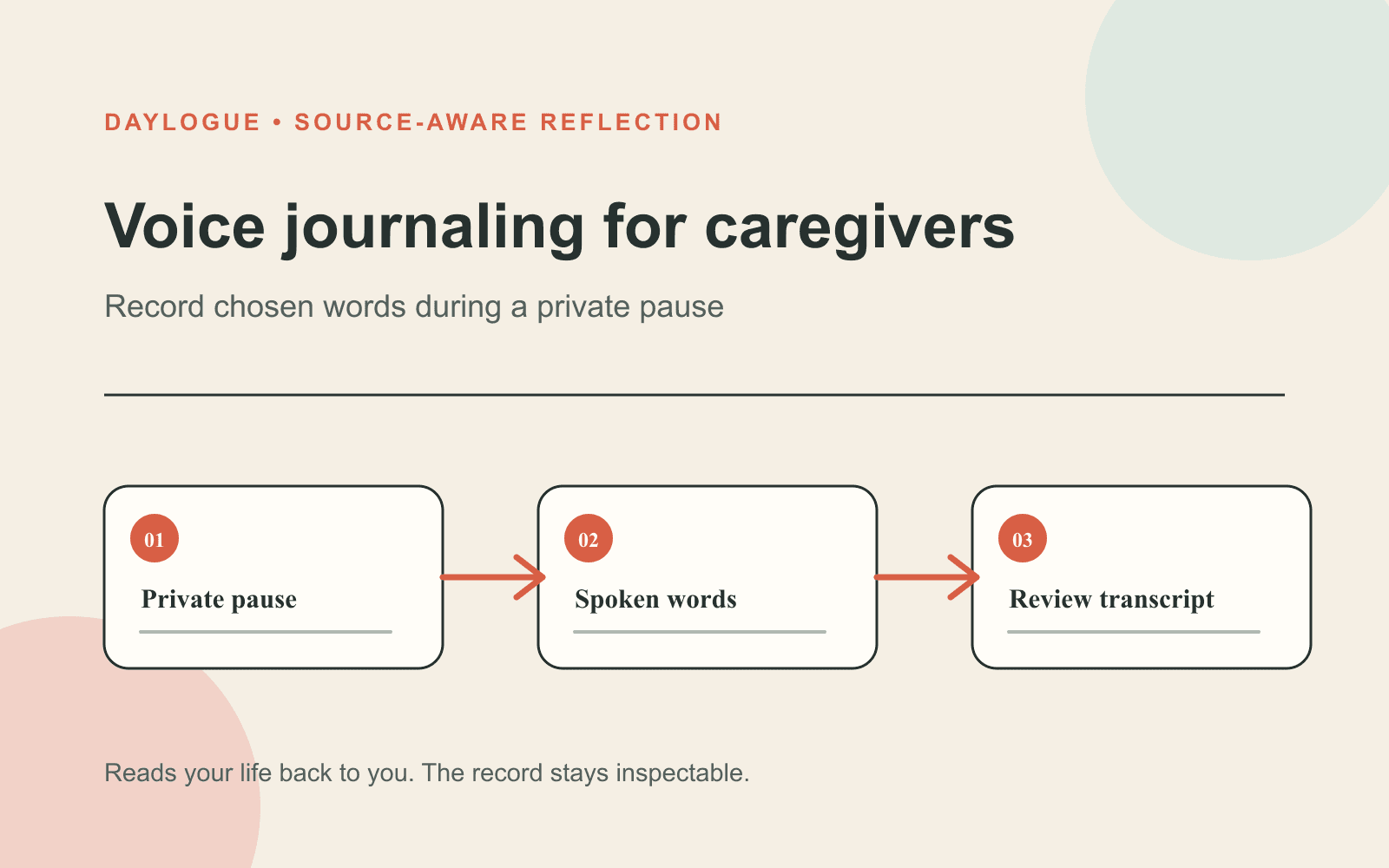
01
The room
A private room reduces exposure of family, workplace, school, legal, or health information to nearby people.
02
One moment
A single scene and the context that changes its meaning can replace a recap of the whole day.
03
The saved record
What remains can be compared with the correction, export, and deletion controls for each data type.
Checklist
Caregiver voice-entry privacy check
This quick check can sit before a family or care moment is spoken into a digital voice journal.
- Nearby people cannot hear information that should stay private.
- Names and identifying details are removed unless the entry truly needs them.
- The service clearly explains whether it keeps audio, text, structured data, or generated output.
- You know what can be corrected, exported, and deleted after the session.
- The moment belongs in reflection rather than an emergency or professional support channel.
Common questions
Does a voice journaling app always save audio?
No. Some save recordings, some save transcripts, and some retain structured information or generated text. The product's current documentation should explain each data type.
Can I use voice journaling while caring for someone?
A safe, private moment may fit. The entry can stay short and omit identifying details, while a nearby care task takes priority over the reflection.
Does Daylogue read emotion from my voice?
No. Daylogue says it does not run emotion recognition on voice tone or faces and works from what you choose to share.
What should I say in a two-minute caregiver voice journal?
One event, the detail that stayed with you, the context that changes its meaning, and one sentence worth remembering can be enough.
Sources
Sources were checked on the dates shown. Product details and policies can change.
- Daylogue voice check-ins · Daylogue · checked August 11, 2026
- Daylogue privacy policy · Daylogue · checked August 11, 2026
- NIST AI Risk Management Framework · National Institute of Standards and Technology · checked August 11, 2026
- NIST Privacy Framework · National Institute of Standards and Technology · checked August 11, 2026
Keep exploring
Daylogue Knowledge Center
Browse practical guides for reflection, journaling, patterns, and privacy.
Read moreHow Daylogue shows patterns
See how candidate patterns stay connected to evidence and correction.
Read moreWhy Daylogue exists
Read the principles behind a system for self-understanding.
Read moreDaylogue is not therapy and is not a replacement for professional care.