Written by Daylogue Editorial Team. Published August 12, 2026. Reviewed and updated August 12, 2026.
A useful voice journaling app for parents and caregivers should make a short spoken reflection easy without hiding what happens to the recording, transcript, or generated output. Compare four things before choosing: the kind of conversation you want, the record saved afterward, privacy around other people, and your ability to correct, export, and delete what remains. Voice works best as one flexible option. Typing or paper may fit better when the room is shared or the detail should stay offline.
Voice can catch the thought before the next task
Care days rarely offer a clean twenty-minute block. A thought may arrive while walking back from school pickup, sitting in a parked car, folding laundry, or waiting for the kettle. Speaking can preserve that thought before the next task replaces it. The entry does not need to recap the entire household. One moment, one detail, and one sentence you want to remember can be enough for a useful record.
Voice is not automatically easier in every setting. A child may enter the room. A relative may be nearby. A car system or speaker may route audio in an unexpected way. If someone else could hear a private detail, pause and use a typed note, a neutral placeholder, or paper later. The best capture method is the one that fits both your attention and the privacy of the moment.
Know what kind of voice journal you are choosing
Voice journal products can begin with the same microphone button and produce very different records. An audio diary keeps the sound. Dictation turns speech into editable text. A conversational check-in responds and may ask a follow-up. Some services also derive structured fields or generated summaries. The visible transcript is not always the whole saved record, so product documentation matters as much as the first screen.
Match the format to what you want later. Audio preserves delivery but can be slow to search. A transcript makes phrases easier to find but may mishear names, dates, or negation. Follow-up questions can help when the first sentence is all you have, though the prompt may also steer the reflection. A simple recorder may be enough if you want uninterrupted speech and accept the storage tradeoff.
| Format | What may remain | Useful when | Check before use |
|---|---|---|---|
| Audio diary | Original recording | You want uninterrupted speech | Retention and playback privacy |
| Dictated journal | Editable transcript | You want searchable words | Accuracy and correction flow |
| Conversational check-in | Transcript, fields, or generated text | A follow-up helps you continue | Providers and saved outputs |
| Offline paper note | Physical page | The detail should not be processed online | Where the notebook is kept |
A smaller entry can hold the part that matters
A care story often includes someone else's information. Your reflection may not need their name, school, workplace, appointment type, or exact words. Start with the part that belongs to your experience: what happened in one scene, what stayed with you, and what you want to recognize later. "The schedule changed again, and I had no quiet transition before dinner" keeps the shape of the moment without building a dossier on another person.
You can use roles or broad context when identity is not necessary. You can also stop mid-entry and remove a detail before saving. Speech moves quickly, so a personal rule helps: say the least specific version that still makes sense to your future self. This is especially useful around family conflict, school matters, legal questions, finances, work, and health information that belongs to someone else.
- Describe your experience before recounting another person's private details
- Use a role or broad context when a name adds no value
- Keep exact addresses, schedules, account details, and identifiers out
- Pause the entry when the room stops being private
- Review the saved text before considering the capture finished
Privacy depends on the whole data path
Ask what happens from the moment you speak until the moment you delete the account. Does the service keep audio? Does it keep a transcript, extracted fields, or generated summaries? Which providers process each part? Can staff or servers read the saved material? Is content used for model training? Can every data type be exported and deleted? A promise that audio is discarded answers one question, not all of them.
NIST describes its Privacy Framework as a voluntary tool for organizations to identify and manage privacy risk while protecting individuals' privacy. Its AI Risk Management Framework is also voluntary and focuses on incorporating trustworthiness considerations into the design, development, use, and evaluation of AI systems. These frameworks do not rate a particular journal app for you. They do reinforce a useful buying habit: ask about the system, its use, and its risks rather than relying on a broad privacy slogan.
What Daylogue keeps after a voice check-in
Daylogue voice check-ins use Deepgram for speech-to-text and ElevenLabs for conversational voice. The voice agent can respond to what you said and ask a follow-up. Daylogue says it does not store audio recordings. It saves the extracted structured information so voice and typed check-ins can contribute to later narratives and pattern history. The saved information is readable on Daylogue's servers because those features use it.
Daylogue does not run emotion recognition on your face or on the tone of your voice. It works from the words and information you choose to share. A pause, accent, pace, or vocal quality should not become a claim about how you feel. Daylogue also says personal entries are not used to train AI models. The service is not end-to-end encrypted, so parents and caregivers can still choose details with the server-readable record in mind.
Run one low-stakes test before a real care entry
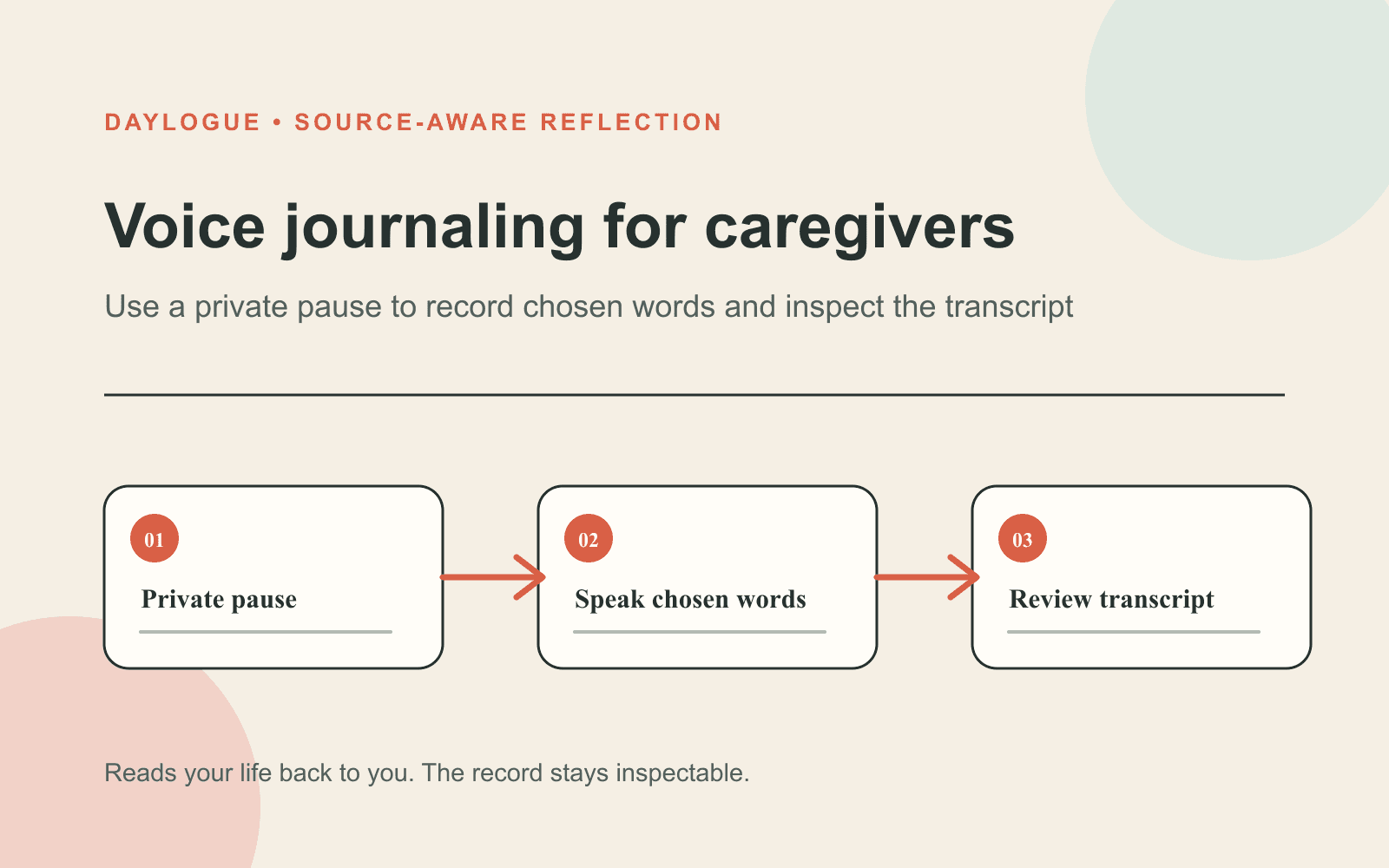
A short test reveals how the app behaves more clearly than a feature list. Choose a harmless topic, such as a walk, a meal you enjoyed, or a small change in the afternoon schedule. Speak naturally for a minute. Then inspect the transcript or fields, correct one detail, look for every saved output, and locate the export and deletion controls. If a setting or data type is unclear, ask support before recording anything private.
Pay attention to the conversational feel without confusing polish with accuracy. A warm reply can still rest on a transcription error. A fluent summary can still omit the detail you cared about. Compare the output with what you remember saying, especially around names, negatives, numbers, and dates. The app should give you a way to correct the record rather than asking you to accept its first version.
01
Choose a private setting
Close the door, check connected audio devices, and wait until speaking will not expose someone else's information.
02
Use a low-stakes topic
Test the conversation with an ordinary moment that contains no sensitive family, school, workplace, financial, or health detail.
03
Inspect what remains
Look for audio, transcript, structured fields, summaries, and any other generated text saved after the session ends.
04
Correct and export
Change one error and confirm which outputs update, then create an export so you know what leaving with your record looks like.
05
Find deletion controls
Confirm whether deletion covers recordings, transcripts, structured fields, generated outputs, and the full account.
Let the method change with the room
A flexible practice can move among voice, typing, and paper. Voice may fit a solo walk. Typing may fit a waiting room. Paper may fit a detail you do not want processed online. A neutral reminder can hold the place when there is no private moment at all. You do not owe the journal a complete account, and skipping a day does not create a missing assignment that has to be reconstructed.
Voice fits only when attention is available. Driving, supervising a risky activity, handling medication, or responding to an urgent care need leaves no safe room for recording. The reflection can wait. When you return, begin with what is true now instead of recreating the exact emotional texture of hours you did not capture. A journal should fit around care, not compete with it.
Keep the app in the role it can actually fill
A voice journal can preserve your words, ask a question, and help you revisit themes across entries. It cannot observe the full family situation, verify another person's account, make a professional judgment, or tell you what a repeated topic means. Generated reflections should stay connected to what you shared and leave interpretation with you. A recurring theme is a reason to look back, not a verdict about you or anyone in your care.
Daylogue is not therapy and is not a replacement for professional care. It is a system for self-understanding that reads what you choose to share back to you over time. For a parent or caregiver, the useful moment may be small: the same schedule change keeps appearing in your entries, or a quiet walk keeps becoming the easiest place to speak. You decide what deserves attention next.
Checklist
Before-you-speak caregiver privacy check
Use this short check before a voice entry so the room, the details you share, and the app's saved record all fit the moment.
- No one nearby can overhear a detail that should stay private.
- The entry centers my experience instead of another person's private story.
- Names, locations, schedules, and identifiers are removed unless essential.
- I know whether the service keeps audio, text, fields, or generated output.
- I know which providers process the voice interaction and what they retain.
- I can correct the saved record before relying on it later.
- I have found the export, deletion, and account-removal controls.
- The current care task is safe to pause while I speak.
Common questions
Do voice journaling apps always save the recording?
No. Some save audio, some keep a transcript, and some retain structured fields or generated text. Read the product's current documentation for every data type, not only the recording.
Does Daylogue store voice recordings?
Daylogue says it does not store audio recordings. It does save extracted structured information and generated outputs in readable form so later narratives and patterns can work.
Can Daylogue tell how I feel from my voice tone?
No. Daylogue says it does not run emotion recognition on faces or voice tone. It works from the words and information you choose to share.
What can I say in a one-minute caregiver voice entry?
Name one moment, the detail that stayed with you, and one sentence you want to remember. Leave out names and identifying information that your reflection does not need.
Is voice journaling better than typing for caregivers?
Neither method is always better. Voice may fit when your hands are busy and the room is private. Typing may fit shared spaces, and paper may fit details you want to keep offline.
Sources
Sources were checked on the dates shown. Product details and policies can change.
- Daylogue voice check-ins · Daylogue · checked August 12, 2026
- Daylogue privacy policy · Daylogue · checked August 12, 2026
- NIST AI Risk Management Framework · National Institute of Standards and Technology · checked August 12, 2026
- NIST Privacy Framework · National Institute of Standards and Technology · checked August 12, 2026
Keep exploring
Daylogue Knowledge Center
Browse practical guides for reflection, journaling, patterns, and privacy.
Read moreHow Daylogue shows patterns
See how candidate patterns stay connected to evidence and correction.
Read moreWhy Daylogue exists
Read the principles behind a system for self-understanding.
Read moreDaylogue is not therapy and is not a replacement for professional care.