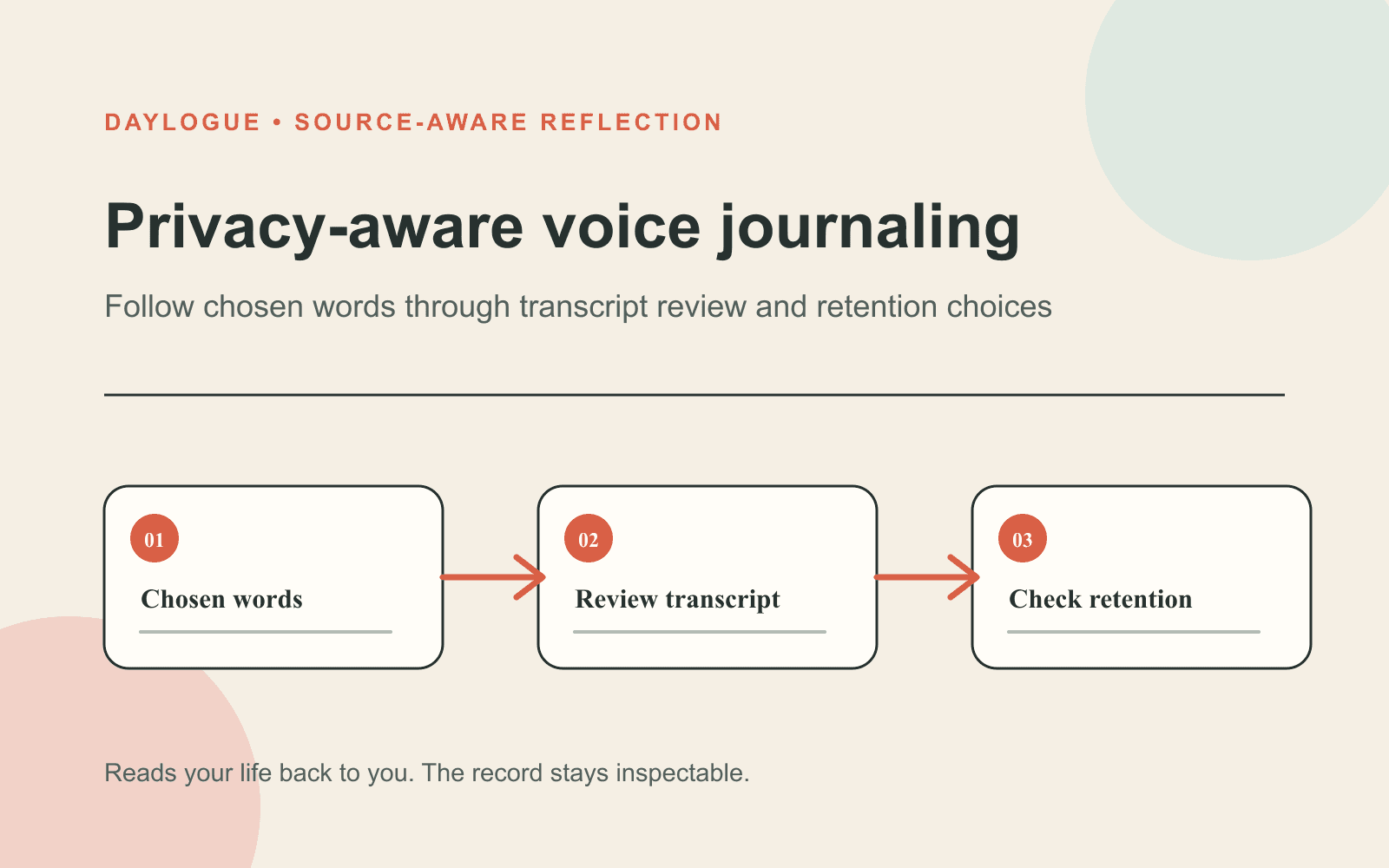
Written by Daylogue Editorial Team. Published August 14, 2026. Reviewed and updated August 14, 2026.
A voice journaling app can suit private writers when speaking feels easier than composing a polished page, but privacy depends on more than finding a quiet room. Check what audio is transmitted, whether audio or transcripts are stored, which providers process them, and how deletion works. Use one focused question, review the transcript before relying on it, and remove names when they add no value. Choose a service that works from your words and does not claim to infer emotion from voice tone.
Decide what private means before you press record
Privacy has several layers in voice journaling. The room may be private while the recording still travels to a transcription provider. The audio may be discarded while the transcript remains. A service may protect data in transit while storing text in readable form for later features. Ask about each stage separately so a familiar microphone icon does not answer questions the product has not explained.
Write a short privacy rule for yourself before the first entry. You might avoid full names, record only when alone, or stop before discussing a subject you do not want stored. You might use broad phrases such as "a conversation at work" or "someone close to me." The point is not to make the entry vague. It is to keep enough context for your reflection without preserving every identifying detail.
| Stage | Question | Why it matters |
|---|---|---|
| Recording | Is audio captured only while I hold or tap record? | You know when collection begins and ends |
| Transmission | Which service receives the audio? | The microphone may involve more than one provider |
| Transcription | Can I review and correct the text? | Names and uncommon words may be wrong |
| Storage | Are audio, text, and summaries stored separately? | Each format can have different retention rules |
| Deletion | What disappears when I delete an entry? | A deleted screen item may not describe every stored copy |
Use one clear question instead of narrating everything
Speaking can expand quickly because you do not see a page filling up. Give the recording one job. Ask what stayed with you, where your attention changed, which choice felt unfinished, or what was different from the last similar situation. A narrow prompt makes it easier to stop when you have said enough. It also reduces the chance of adding names and side stories that do not help the reflection.
Try a simple frame: event, response, question. Name the event broadly, describe what you noticed in your own words, then end with what you want to examine later. For example: "The final conversation ran longer than expected. I kept returning to one part afterward. I want to know whether the same topic shows up in other end-of-week entries." The frame preserves a useful comparison without deciding what caused it.
01
Choose one prompt
Give the recording a single focus, such as a choice, repeated situation, or change in attention.
02
Speak the smallest useful context
Describe the scene without names, quoted messages, or extra history unless those details matter.
03
End with a question
State what you want to compare later and stop before turning uncertainty into an explanation.
Review the transcript as a draft, not a perfect record
Transcription can mishear names, numbers, accents, and unfamiliar terms. Read the text while the recording is still fresh enough to remember. Correct the word that changes the meaning. Remove a name that the transcript captured more clearly than you intended. If a sentence became confusing, rewrite it in your own words rather than preserving the error because the system produced it.
Watch for automated punctuation being read as emotional evidence. A transcript may add pauses, sentence breaks, or emphasis according to the service's rules. Those marks can make a spoken thought look more certain or dramatic on the page. Return to what you meant to say. The useful record is the one you recognize, not the one that most closely preserves every automated formatting choice.
- Correct words that reverse or distort your meaning.
- Replace names with broad descriptions when names are unnecessary.
- Check numbers, dates, and uncommon terms carefully.
- Rewrite punctuation that makes a tentative thought sound final.
- Delete side comments you do not want in the lasting entry.
Choose words over emotion recognition
A voice journal should not decide how you feel from volume, pace, pauses, accent, or vocal tone. A quiet voice can reflect the room, fatigue, habit, or a dozen other things. A fast voice can reflect limited time. The service should work from what you choose to say and let you name, skip, or revise an emotion in your own language. Voice is an input method, not permission to profile you.
Daylogue does not run emotion recognition on your face or on the tone of your voice. It works only from what you choose to share. That boundary gives you a practical evaluation question for any voice journal: does the product describe your words and selected fields, or does it claim to know an inner state from how you sounded? Prefer the first, and leave the meaning of the entry with the person who made it.
Understand what Daylogue's voice check-in does
Daylogue's voice feature supports spoken check-ins with real-time transcription and follow-up questions. Its public voice page identifies ElevenLabs for the conversational agent and Deepgram for speech-to-text. The feature turns a spoken check-in into text and structured fields that can support later product features. Those mechanics make provider and storage disclosures part of the product decision, not fine print to read after recording.
Daylogue says voice is transmitted for real-time processing. Resulting text and structured fields follow the same storage rules as typed check-ins, and provider handling follows the current subprocessor disclosures. This means a private writer should read both the voice page and the privacy policy. Decide whether those terms fit the kind of material you plan to speak before assuming the app works like a sealed audio notebook.
Switch between voice and typing on purpose
Voice can help when typing makes every sentence feel edited before it exists. It can also be awkward in a shared space or when a subject needs slower wording. Typing may make names easier to remove and details easier to rearrange. Neither format is more honest by default. Choose the one that gives you enough ease and enough control for the entry in front of you.
A useful rule is to speak for movement and type for precision. Record a short account while walking when the main goal is to capture what stayed with you. Switch to text when you need to check a date, remove identifiers, or separate an event from your interpretation. You can also record a question and answer it later in writing. The format can change without turning the practice into a test of consistency.
Keep later observations tied to what you actually said
A collection of voice entries can make repeated situations easier to notice, but repetition still needs context. If the same topic appears in several recordings, open the source entries and check what else was happening. Look for a similar situation that landed differently. Missing recordings remain missing. They should not be filled with a guess about how the unrecorded day went.
Use language such as "came up in these entries" or "appeared alongside" rather than a cause or person label. A recurring overlap can help you ask a better question. It cannot tell you why you felt something, what another person intended, or who you are. Keep a correction path available when the transcript, grouping, or wording does not match your experience.
Make a voice routine that works in real rooms
Pick a recording cue that protects privacy rather than chasing a daily streak. You might speak during a solo walk, from a parked car before going inside, or after closing a door at home. Use headphones when playback could expose the entry. Turn off lock-screen previews that reveal journal text. If the setting changes, skip the recording or capture a neutral question for later.
End with a brief cleanup. Scan the transcript, remove names, fix the sentence that matters, and confirm the entry stopped recording. Then close it. A short voice note that you trust is more useful than a long account you avoid revisiting. Missing days do not need an explanation. Return when the room, subject, and privacy terms feel right for you.
Checklist
Private voice journal setup checklist
Review the room, recording flow, transcript, providers, and storage terms before making voice a regular reflection format.
- Choose a place where people nearby cannot hear the recording or playback.
- Check which providers receive audio and text during processing.
- Confirm whether audio, transcripts, and generated summaries are stored separately.
- Use one prompt and the event, response, question frame.
- Review names, numbers, dates, and uncommon words in the transcript.
- Remove identifying details that do not help the reflection.
- Reject emotion recognition based on voice tone, pace, or volume.
- Find deletion, export, and notification controls before recording sensitive material.
Common questions
Is a voice journaling app private if I record alone?
Recording alone protects the conversation from people nearby, but it does not explain transmission, provider processing, storage, retention, or deletion. Read the service's current privacy and subprocessor disclosures.
Should a voice journal analyze the tone of my voice?
No. Vocal tone, pace, and volume can reflect many things. Choose a service that works from what you decide to share and lets you name or skip feelings in your own words.
What should I fix in a voice journal transcript?
Correct anything that changes meaning, especially names, numbers, dates, and uncommon terms. Remove identifiers you did not mean to keep and rewrite punctuation that makes a tentative thought sound final.
Can I use voice journaling without speaking for a long time?
Yes. Use one question and a short event, response, question frame. Stop when the record contains enough context for you to recognize the moment later.
How do I compare voice entries without overreading them?
Open the source transcripts, note repeated situations, and look for exceptions. Describe what appeared in the entries without assigning a cause, motive, identity, or emotional verdict.
Sources
Sources were checked on the dates shown. Product details and policies can change.
- Daylogue voice check-ins · Daylogue · checked August 14, 2026
- Daylogue privacy policy · Daylogue · checked August 14, 2026
Keep exploring
Daylogue Knowledge Center
Browse practical guides for reflection, journaling, patterns, and privacy.
Read moreHow Daylogue shows patterns
See how candidate patterns stay connected to evidence and correction.
Read moreWhy Daylogue exists
Read the principles behind a system for self-understanding.
Read moreDaylogue is not therapy and is not a replacement for professional care.