Written by Daylogue Editorial Team. Published August 8, 2026. Reviewed and updated August 8, 2026.
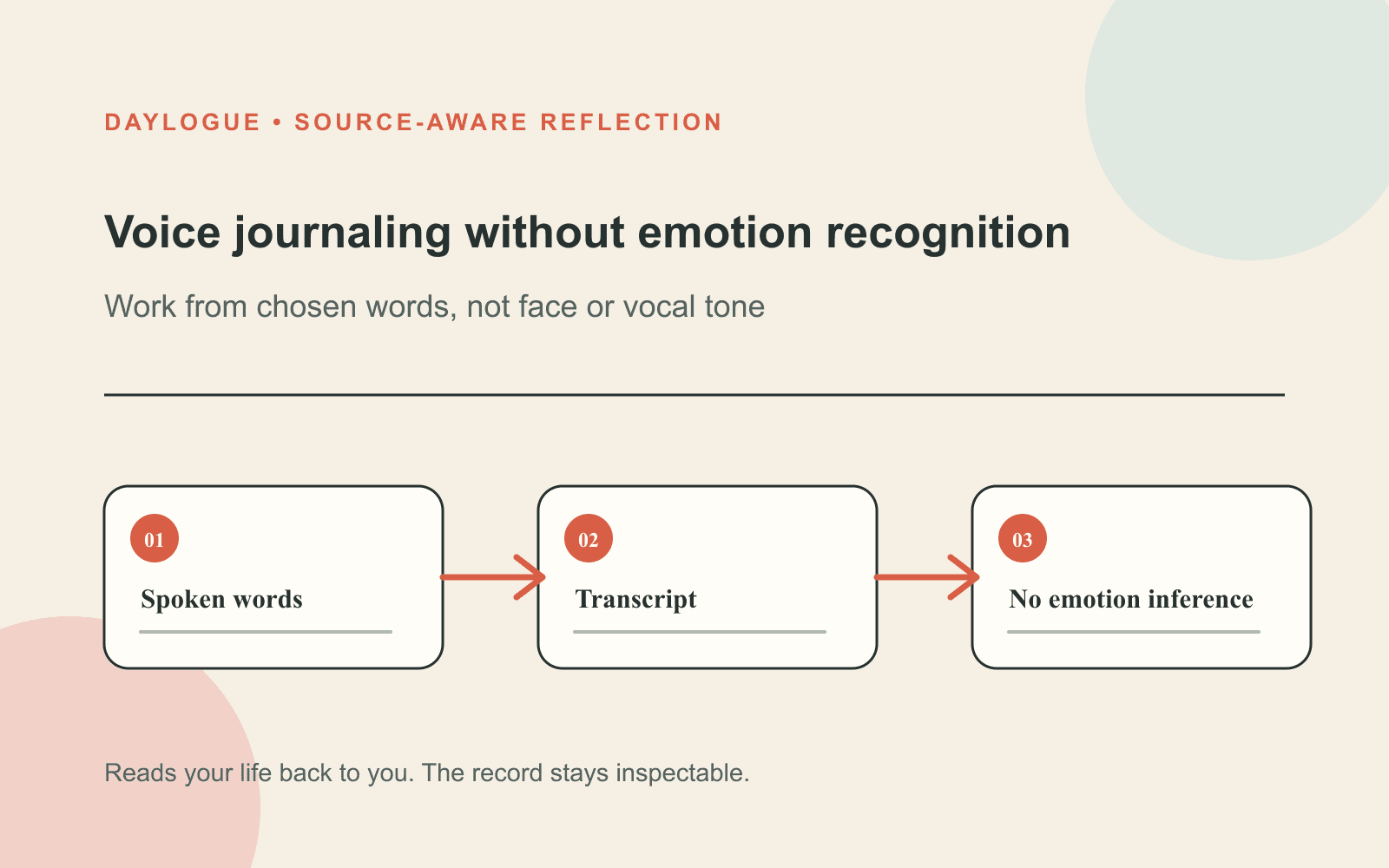
Voice journaling without emotion recognition works from the words you intentionally share. Speech can be transcribed for a conversational check-in, while Daylogue does not run emotion recognition on your face or on the tone of your voice. The boundary keeps the interaction focused on chosen content and makes privacy questions easier to ask.
The boundary is about interpretation, not the microphone
A voice journal needs sound long enough to transcribe what someone says. That technical step is different from running emotion recognition on a face or on vocal tone. The supported boundary stays with those two signals while the spoken words provide the content the person intentionally shares.
Daylogue does not run emotion recognition on your face or on the tone of your voice. It works only from what you choose to share. Those two sentences set the right expectation: the spoken content matters because you offered it, while face and vocal tone stay outside emotion recognition.
Follow the information through the check-in
A clear privacy explanation should trace the flow. You speak. The service processes speech for a live conversation and transcription. The check-in produces text or structured fields used by the features you requested. Each stage should have a stated purpose, storage rule, and access boundary. “Voice” is not one data object, and collapsing everything into that label hides important differences.
Ask separately about raw audio, transcript text, and structured check-in data. Raw sound may exist briefly during processing. Transcript text contains the words you shared. Structured fields can include items such as mood, energy, stress, and themes extracted from the conversation. A useful policy tells you what remains and why.
No stored recording does not mean no stored text
Daylogue does not store audio recordings from voice check-ins. That is a meaningful boundary because a replayable recording contains the original sound. It does not mean the check-in vanishes. The words and resulting fields can still be retained to provide narratives, history, and pattern features.
Extracted voice check-in data is stored in readable form so Daylogue can write narratives and surface patterns. Readable storage should be stated plainly because the feature depends on server-side access to that information. A user deserves the concrete model, not a vague promise that sounds like everything disappears after speaking.
Words can carry context without tone analysis
A conversational check-in can ask a follow-up based on the sentence “the meeting felt heavy” because those words were intentionally shared. It does not decide the speaker is sad from their face or vocal tone. The first response follows chosen content. The second would invent emotional information outside the supported boundary.
This boundary also improves correction. If a transcript is wrong or a follow-up misses the point, the person can restate what they meant. A tone-based conclusion is harder to inspect because the system may not show how vocal tone drove it. Chosen words create a clearer path for review and disagreement.
Ask privacy questions in the right order
Start with capture: what data enters the system? Then ask purpose: what feature uses it? Next ask retention: what stays after the session? Finish with control: who can access it, how can it be deleted, and what happens if you choose typing instead? This order turns a broad question about safety into decisions a person can actually evaluate.
The NIST Privacy Framework is a voluntary tool for identifying and managing privacy risk. It does not certify a particular voice journal. Its practical value here is the habit of mapping data processing to purpose and risk. If a product cannot explain why a voice-derived field exists, the user cannot make an informed choice about sharing it.
| Function | Uses | Boundary to check |
|---|---|---|
| Transcription | Spoken words | Accuracy, retention, and correction |
| Conversation | Transcript content | AI disclosure and follow-up control |
| Structured check-in | Chosen words converted into fields | Readable storage and access |
| Emotion recognition | Face or vocal tone | Daylogue excludes this function |
Separate transcription, conversation, and emotion recognition
Transcription converts speech into words. A conversational system uses those words to respond or ask a follow-up. Emotion recognition attempts to infer an emotional state from signals such as face or vocal tone. Daylogue does not use that function. These are different functions with different risks. A voice journal can use the first two while refusing the third.
Marketing language can blur the difference with phrases such as “reads your voice” or “hears what you are really feeling.” Look for a concrete explanation instead. Does the system respond to the content you spoke? Does it run emotion recognition on face or vocal tone? Does it store the recording? The answers should be visible before a private check-in begins.
Run a two-minute privacy check before speaking
Open the privacy explanation and find four answers: whether recordings are stored, what text remains, whether face or tone is used for emotion recognition, and how retained data powers the feature. If one answer is missing, pause and choose typing or another tool until you understand the tradeoff.
Then test the interaction with a low-stakes entry. Correct the transcript once. Decline a follow-up if it feels too personal. Check whether the product respects that boundary without pressure. Privacy is not only a policy page. It is also the ordinary experience of being able to choose what to say and when to stop.
01
Check capture
Find out whether the service uses raw audio only during processing and whether recordings remain afterward.
02
Check interpretation
Confirm that responses follow chosen words and that face or vocal tone is not used for emotion recognition.
03
Check retention and control
Identify what text or structured data remains, why it is readable, who can access it, and how deletion works.
Good voice journaling leaves room not to speak
Voice can lower the barrier when typing feels slow or a blank page feels hard. It can also be the wrong choice in a shared room, on public transit, or during a moment someone wants to keep entirely offline. The feature should remain an option, not a demand. Typing, waiting, or skipping a day are all valid choices.
A trustworthy design makes that freedom visible. It explains the AI interaction, states the storage model, excludes face and tone from emotional inference, and lets the person control the content. The value comes from reflecting on words you chose to share, not from claiming the microphone discovered a hidden truth.
Example: a follow-up based on words, not tone
A person says, “The presentation went better than I expected, but I keep replaying one question.” A contextual follow-up can ask which question is sticking with them because the words identify a specific thread. The system stays with the content the person intentionally offered rather than deciding an emotion from face or vocal tone, and the person chooses how much more to say.
After the check-in, the person should be able to understand what remains. The recording is not stored, while transcript-derived or structured information can remain readable for requested narratives and pattern features. That tradeoff may suit one moment and not another. Clear boundaries let the person decide. The value comes from having an easier way to put words around a day, not from emotion recognition using vocal tone to claim access to an emotion the person never named.
Voice privacy explanations should remain consistent across the feature screen, privacy policy, and in-session disclosure. If one surface says recordings are discarded while another implies the entire conversation disappears, the person cannot make a clear choice. Use the same concrete nouns everywhere: audio, transcript, structured check-in data, and generated narrative. Consistent language makes tradeoffs legible. It also gives support teams and users a shared vocabulary when someone asks what happened to a spoken check-in.
- Follow-up questions should point to spoken content.
- Face and vocal tone stay outside Daylogue’s emotion recognition boundary.
- Audio retention and text retention are separate questions.
- The person can stop, correct, type, or skip.
Prompt Pack
Voice journal privacy question pack
Use these questions to check what a voice journal captures, what it infers, what it stores, and which privacy controls matter before you speak.
- Does Daylogue state that it does not infer emotion from face or vocal tone?
- Is audio stored after the check-in, and where is that answer stated in plain language?
- What transcript or structured fields remain after the live conversation ends?
- Can the service read stored text to create summaries or patterns?
- Is the experience described accurately as AI rather than a human listener?
- Can you delete your account and data through a visible control?
- Are face and vocal tone excluded from emotion recognition?
- Can you choose typing when speaking does not feel private or comfortable?
Common questions
Is voice transcription the same as emotion recognition?
No. Transcription converts speech into words. Emotion recognition tries to infer an emotional state from signals such as vocal tone or a face. A product can transcribe without doing emotion recognition.
Does Daylogue store voice recordings?
Daylogue states that it does not store audio recordings from voice check-ins. Text and structured information produced from the check-in can still be stored for narratives and pattern features.
Can a voice journal respond without analyzing tone?
Yes. It can respond to the words in a transcript and ask a contextual follow-up based on what the person intentionally said. Daylogue does not run emotion recognition on a face or on vocal tone.
What should I check before using a voice journal?
Check what is captured, whether recordings remain, what text or structured fields are stored, who can access them, whether emotion recognition is excluded, and how deletion works.
What if speaking does not feel private?
Choose typing, wait for a private setting, use a local note, or skip the check-in. A voice feature should leave those options open without pressure or guilt.
Is a voice check-in a human conversation?
No. Daylogue discloses that check-ins and voice transcription use AI. The interaction may feel conversational, but the person is interacting with an AI system, not a human listener.
Sources
Sources were checked on the dates shown. Product details and policies can change.
- Daylogue voice check-ins · Daylogue · checked August 8, 2026
- Daylogue privacy policy · Daylogue · checked August 8, 2026
- NIST AI Risk Management Framework · National Institute of Standards and Technology · checked August 8, 2026
- NIST Privacy Framework · National Institute of Standards and Technology · checked August 8, 2026
Keep exploring
Daylogue Knowledge Center
Browse practical guides for reflection, journaling, patterns, and privacy.
Read moreHow Daylogue shows patterns
See how candidate patterns stay connected to evidence and correction.
Read moreWhy Daylogue exists
Read the principles behind a system for self-understanding.
Read moreDaylogue is not therapy and is not a replacement for professional care.