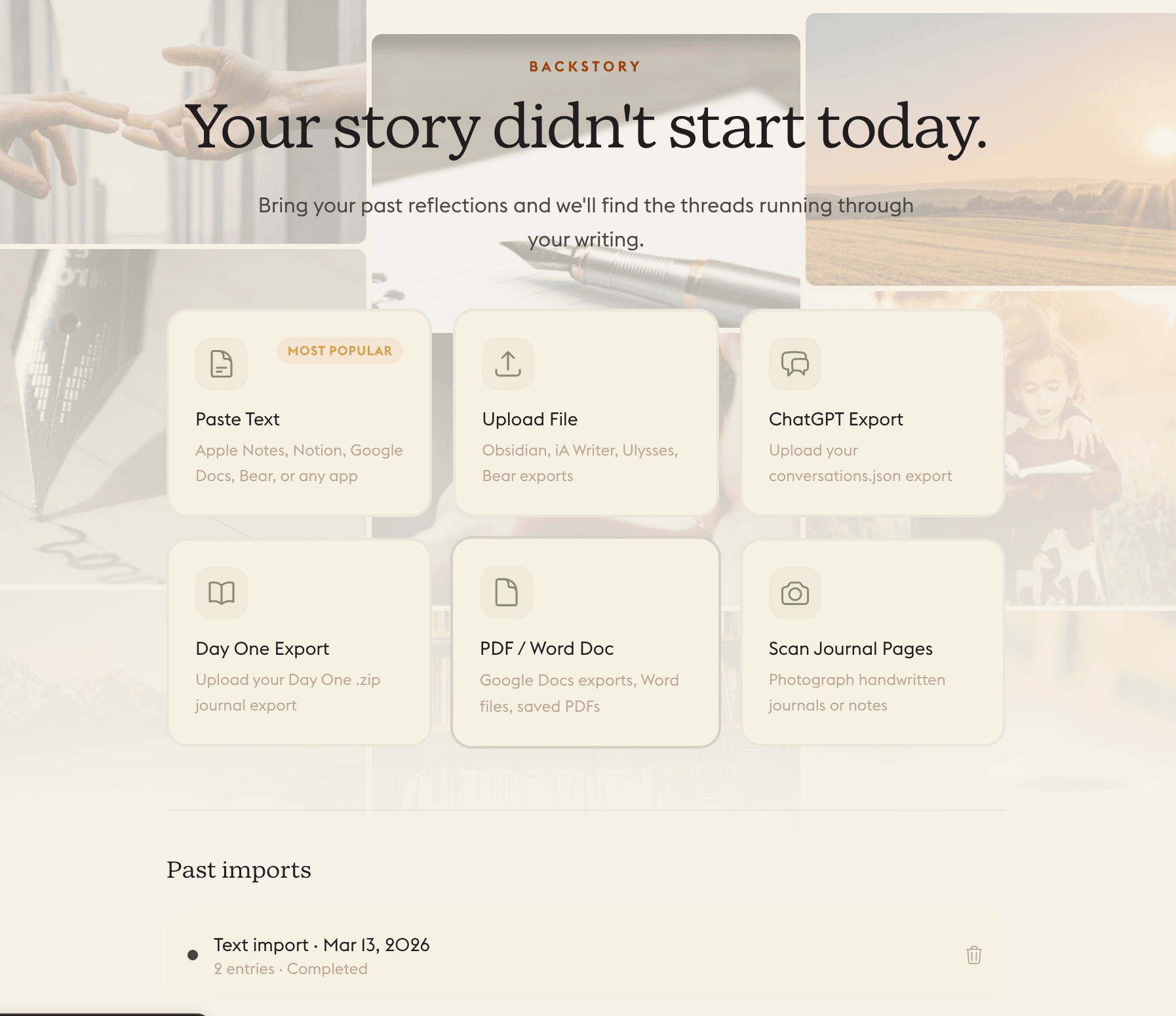
You have been thinking about that same thing for three years. The journals are in a box somewhere. The notes are scattered across three apps. The patterns were there the whole time. Backstory is how you bring that history into Daylogue so the patterns in it stop being buried and start being readable.
Backstory is Daylogue's long-arc context layer. You import past writing, whether that is years of journal entries, notes from a previous app, exported ChatGPT conversations, or handwritten pages you photograph, and Daylogue reads it to extract the themes, people, and patterns running through your history.
The result is not a searchable archive. It is context. The recurring threads in your writing, the people who show up across years, the questions you keep circling back to, become part of the foundation the Narrative Engine draws from when it reads your current check-ins.
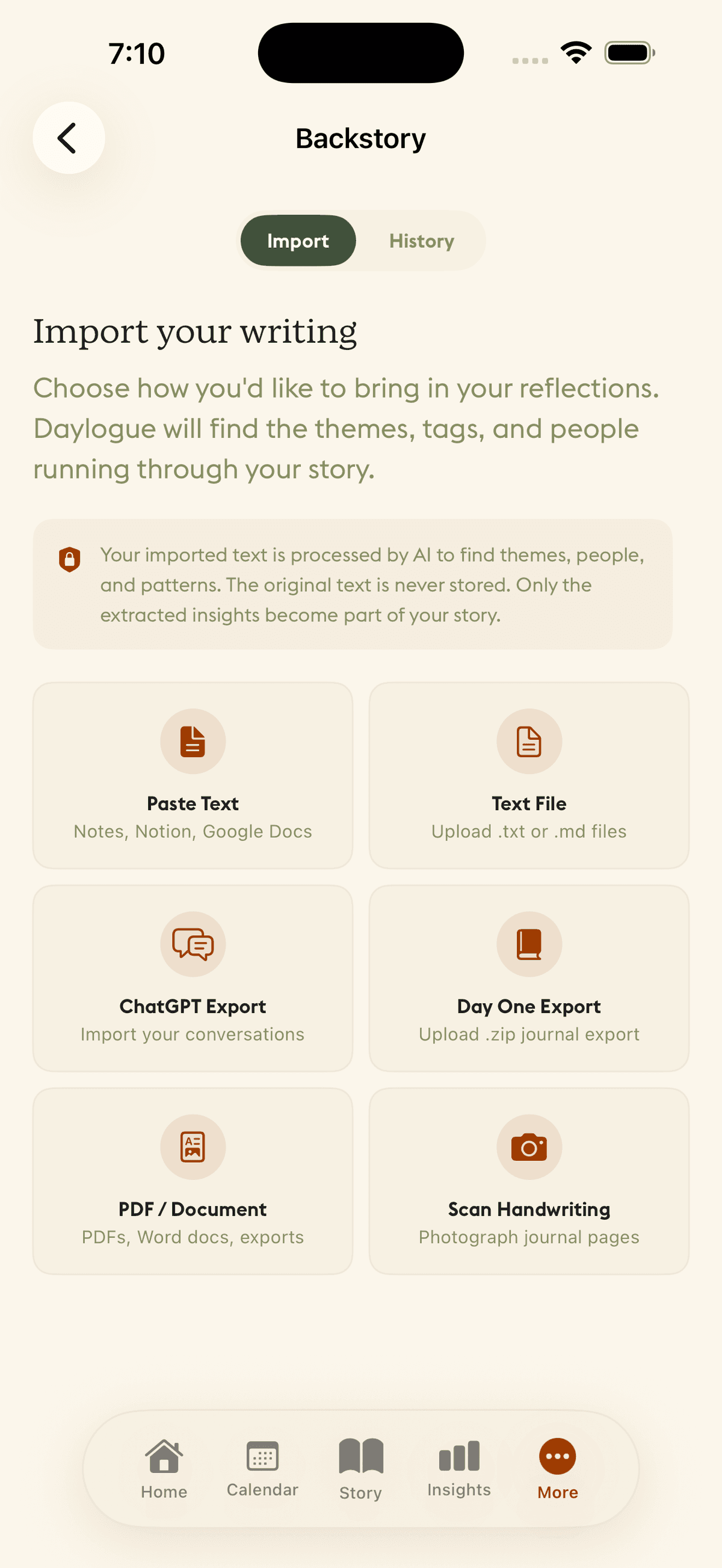
Backstory accepts writing from wherever you have kept it.
- Paste text from Apple Notes, Notion, Google Docs, Bear, or any app
- Upload files or a folder in .txt, .md, .html, or .rtf, including Obsidian vaults, Bear, Notion, Apple Notes Exporter, and Google Keep exports
- ChatGPT or Claude export from your conversations.json file
- Day One export from your Day One .zip archive
- PDF or Word document from Google Docs exports or saved files
- Scan journal pages by photographing handwritten notes
You can add to Backstory over time. Import one notebook now, another later. Each import is processed and added to the running context without overwriting what was already there.
When you import writing, Daylogue processes it to find the themes, recurring people, and emotional patterns running through it. Those extracted insights become part of your Backstory. Your original text is kept only while the import is in review, so you can check what was found. When you confirm or cancel the import, or delete it, the original text is purged.
That distinction matters. You are not building a searchable archive. You are giving Daylogue the context it needs to understand your patterns. Once you confirm, the pattern stays and the prose is gone.
Your imported text is read to find themes, people, and patterns. It is stored only until you confirm or cancel the import, then purged. Only the extracted insights become part of your story.
Without Backstory, the Narrative Engine can describe what happened today. A low-energy Tuesday. A difficult conversation. A moment when something clicked. It can connect those to recent check-ins and find short-term patterns.
With Backstory, the engine can say what that Tuesday means in the context of your actual life. It knows you have been navigating this same question for two years. It knows that the relationship you mentioned today has a long history in your writing. It can tell the difference between a new pattern and a recurring one, because it has the long arc to compare against.
That is the version of emotional pattern recognition that a fresh app cannot deliver on day one. Backstory is how you give Daylogue years of signal instead of weeks.
Backstory is useful if you have kept any kind of writing over time, even inconsistently. Half-empty notebooks count. Three years of sporadic notes app entries count. A downloaded archive from an old journaling app counts.
It is also useful if you have been using ChatGPT as an informal thinking space. Your conversation history there contains real reflection. Backstory can read it. The patterns in those conversations become part of the context your daily check-ins are read against.
Daylogue works without Backstory. The pattern journal builds its own history over time. But if you have years of writing sitting unused, Backstory is how you bring it to the surface instead of starting from scratch.
Your story didn't start the day you downloaded the app. Backstory makes sure Daylogue knows that.
Related Reading
- What Is the Narrative Engine? The feature that reads your check-ins against your Backstory context
- What Is Emotional Pattern Recognition? How Daylogue finds patterns across your check-in history
- What Is Pattern Journaling? The journaling approach Backstory is designed to support