Written by Daylogue Editorial Team. Published August 31, 2026. Reviewed and updated August 31, 2026.
A voice journaling app for students is most useful when recording feels easier than typing and the transcript remains inspectable. A student might capture one scene during a private walk, correct names or punctuation later, and delete audio they do not want retained. Shared spaces, school-managed accounts, and the service’s audio-processing terms all affect the choice.
Voice works when typing changes the thought
Some thoughts become formal as soon as they reach a keyboard. Voice can preserve the pauses, unfinished sentences, and ordinary wording that disappear during editing. A student walking back from class may remember the exact moment a discussion shifted more easily than they could later at a desk.
Voice is not automatically deeper or more honest. It is simply another input. A noisy bus, a roommate nearby, or discomfort hearing one’s own recording may make text or no entry feel better. The format can change from day to day.
A useful first recording can last less than a minute and answer one scene-based question: “What happened right before my attention changed?” The student may stop there without adding a lesson or emotional label.
The room becomes part of the privacy decision
A voice entry can be overheard before any app processes it. Dorm rooms, shared apartments, hallways, rideshares, and campus paths all have different audiences. Headphones hide playback, not the speaker’s own voice.
A student might use a neutral placeholder in public and add detail later, move to text, wait for a private setting, or let the thought pass. Immediate capture is not required for the moment to count.
The microphone indicator and recording controls benefit from being obvious. A person deserves to know when capture begins, when it ends, and whether audio continues while the app is in the background.
The transcript is a draft, not a witness
Speech recognition can miss proper nouns, switch pronouns, drop a negative, or place punctuation where the meaning changes. “I did not agree” becoming “I did agree” is not a cosmetic error. A useful voice journal makes the transcript visible before it becomes the basis for a summary or pattern.
Corrections are part of authorship. The student may fix a name, restore slang, add a note that two speakers were confused, or replace a sentence entirely. The original audio does not outrank the student’s account of what they meant to record.
A useful app explains what a correction changes. If a readback was generated from the wrong transcript, the corrected text may need a new analysis rather than leaving the old claim attached.
01
Optional scene capture
A short recording may preserve the place, people, and action before interpretation becomes polished.
02
A reader might read the transcript
Names, negatives, punctuation, and speaker changes deserve attention because they can alter meaning.
03
Correct or reject
The student remains free to edit the text, delete the entry, or decide the recording does not represent them.
04
A reader might check what is retained
The service can state whether audio, transcript, and generated output follow separate storage timelines.
Audio, transcript, and AI output are three different records
An app may upload audio for speech recognition, store the transcript for later search, and create a separate summary. Deleting one item does not always delete the others. The product’s current terms and controls determine how those records relate.
A “no training” promise does not answer whether a provider receives readable audio or text to perform the requested feature. It also does not explain retention. Specific provider roles are more useful than a single privacy adjective.
A student may prefer a service that discards audio after transcription, or may want the audio preserved. Either preference is reasonable when the behavior is disclosed and controllable.
| Record | Accuracy question | Privacy question |
|---|---|---|
| Audio | Was the intended scene captured? | Who receives it and how long is it kept? |
| Transcript | Did names, negatives, and punctuation survive? | Where is readable text stored? |
| Readback | Does it cite the corrected source? | Can it be deleted or regenerated? |
Voice reflection can stay separate from school systems
A school email address may be convenient for sign-in but may not remain under the student’s control. A campus-managed device can carry its own backup and monitoring rules. Personal reflection and coursework do not need the same account.
Voice entries can also contain other students’ words. Recording a private conversation without consent raises a different issue from speaking one’s own reflection afterward. A journal works best when it captures the writer’s account rather than secretly recording someone else.
Names, grades, research details, and group-project conflicts can be generalized when the exact detail is unnecessary. The student can preserve the effect of the moment without creating an audio file full of other people’s information.
What privacy language needs to cover for voice
Voice adds an audio-processing layer to the ordinary journal questions about account, syncing, storage, export, deletion, and retention. A useful disclosure distinguishes the recording from the transcript and from any generated readback. Daylogue’s cited policy describes Daylogue’s current roles, not every voice app.
Daylogue reads the entries you choose to sync to create narratives and surface patterns. Entries are not end-to-end encrypted.
NIST describes its Privacy Framework as a voluntary tool intended to help organizations identify and manage privacy risk.
Voice creates separate audio, transcript, and generated-output records. The source boundary on this page stays specific to those processing stages instead of borrowing a generic promise from text-only journaling.
Three voice entries and the corrections they needed
A walking entry begins, “I left the lab and realized I never asked about the sample date.” The transcript writes “simple date.” The student corrects one word because it changes the scene. The useful record is the corrected transcript, while the audio remains subject to the chosen retention setting.
A late-night entry says, “I did not volunteer for the second presentation.” The transcript drops “not.” That error reverses the meaning and could distort a later readback. Reviewing negatives is therefore not fussy editing. It is part of keeping the source faithful to what the speaker chose to say.
A quick campus-path note includes a roommate’s full name and a personal detail. On rereading, the student replaces both with “my roommate” and a broader description of the scene. The reflection still captures the student’s reaction without keeping another person’s identifying information.
A fourth recording never becomes an entry. The student hears that wind made the transcript unusable and deletes it. An app that respects deletion and does not turn every capture into permanent history supports that choice.
Voice can increase access while adding controls to inspect
For some students, speaking is easier than typing because of fatigue, mobility, vision, language flow, or the simple fact that a phone is already in hand. Voice can widen the ways a person records a day without making one format the default for everyone.
Accessibility also includes control over playback speed, transcript editing, captions, keyboard navigation, and the ability to finish without listening to the recording. A student who dislikes hearing their voice may still value a transcript-first workflow.
Accent and dialect errors can create an extra editing burden. A product that repeatedly normalizes a student’s language may make the record less personal, not more accurate. The original speaker remains the authority on their intended wording.
A useful evaluation therefore includes both convenience and correction cost. Fast capture is less valuable if every entry requires extensive repair or if errors quietly shape later readbacks.
Students may switch between voice and text inside one entry. A spoken scene can capture pace, then a typed correction can clarify the name or sequence. The mixed format is not less authentic. It can be more accurate because each medium does the part it handles well, while the student retains control over the final record.
A transcript can include a note such as “corrected after listening” when that context matters. The label records authorship without treating the first machine output as the official version.
How voice fits inside Daylogue
Daylogue is a system for self-understanding. “What you say” means voice and conversational check-ins that a person chooses to share. It does not mean that Daylogue reads unrelated free-form chat threads.
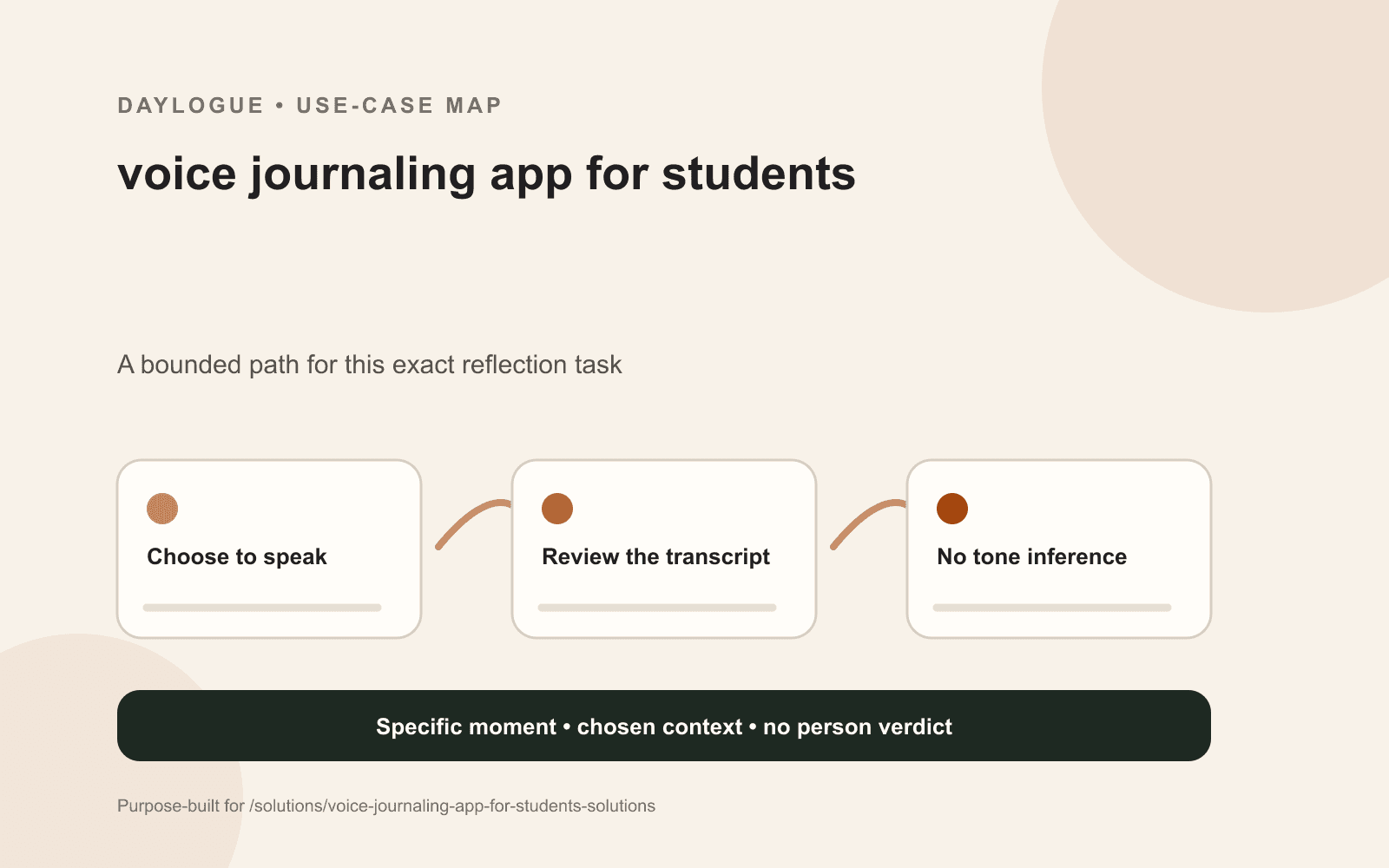
Daylogue does not run emotion recognition on a face or on the tone of a voice. The words a person chooses to share can become part of a readback, but vocal style is not treated as hidden emotional evidence.
Daylogue is not therapy and is not a replacement for professional care. A voice entry can preserve a moment and make it easier to revisit. It cannot determine another person’s intent or establish that a transcript is more accurate than the speaker’s correction.
Checklist
Voice journal transcript audit
A student checklist for testing capture, transcript accuracy, corrections, audio retention, and account ownership before relying on a voice journal.
- The recording begins and ends visibly.
- The setting is private enough for the words being spoken.
- Proper nouns and pronouns match the speaker’s meaning.
- Negatives such as not and never survived transcription.
- Punctuation does not reverse or distort the sentence.
- A correction changes any downstream readback.
- Audio, transcript, and generated output have clear deletion paths.
- The account remains under the student’s control.
Common questions
Is voice journaling good for students who do not like typing?
It can be. Voice may preserve natural wording during a walk or between classes. Text, fragments, or no entry may fit better in shared spaces or when hearing a recording feels uncomfortable. The format can change without breaking the practice.
How long can a student voice journal entry be?
There is no required length. Thirty seconds can preserve one scene, while a longer recording may fit when privacy and attention allow. A visible stop control and a clear purpose matter more than duration.
What if the voice transcript is wrong?
The transcript can be edited, rejected, or deleted. Proper nouns, negatives, punctuation, and speaker changes deserve special attention. A useful app makes clear whether correcting the transcript also changes any summary or pattern built from it.
Does a voice journal analyze emotion from tone?
Daylogue does not run emotion recognition on a person’s face or voice tone. Other services may differ, so their current disclosures matter. A student can ask whether the app processes vocal features beyond converting chosen speech into text.
Can I record a conversation with someone else in my journal?
Consent and recording laws vary, and another person’s private words deserve care. A lower-risk option is a later reflection in the student’s own words rather than a hidden recording of the conversation itself.
Sources
Sources were checked on the dates shown. Product details and policies can change.
- NIST Privacy Framework · National Institute of Standards and Technology · checked August 31, 2026
- Daylogue privacy policy · Daylogue · checked August 31, 2026
Keep exploring
Daylogue Knowledge Center
Browse practical guides for reflection, journaling, patterns, and privacy.
Read moreHow Daylogue shows patterns
See how candidate patterns stay connected to evidence and correction.
Read moreWhy Daylogue exists
Read the principles behind a system for self-understanding.
Read moreDaylogue is not therapy and is not a replacement for professional care.