Written by Daylogue Editorial Team. Published August 31, 2026. Reviewed and updated August 31, 2026.
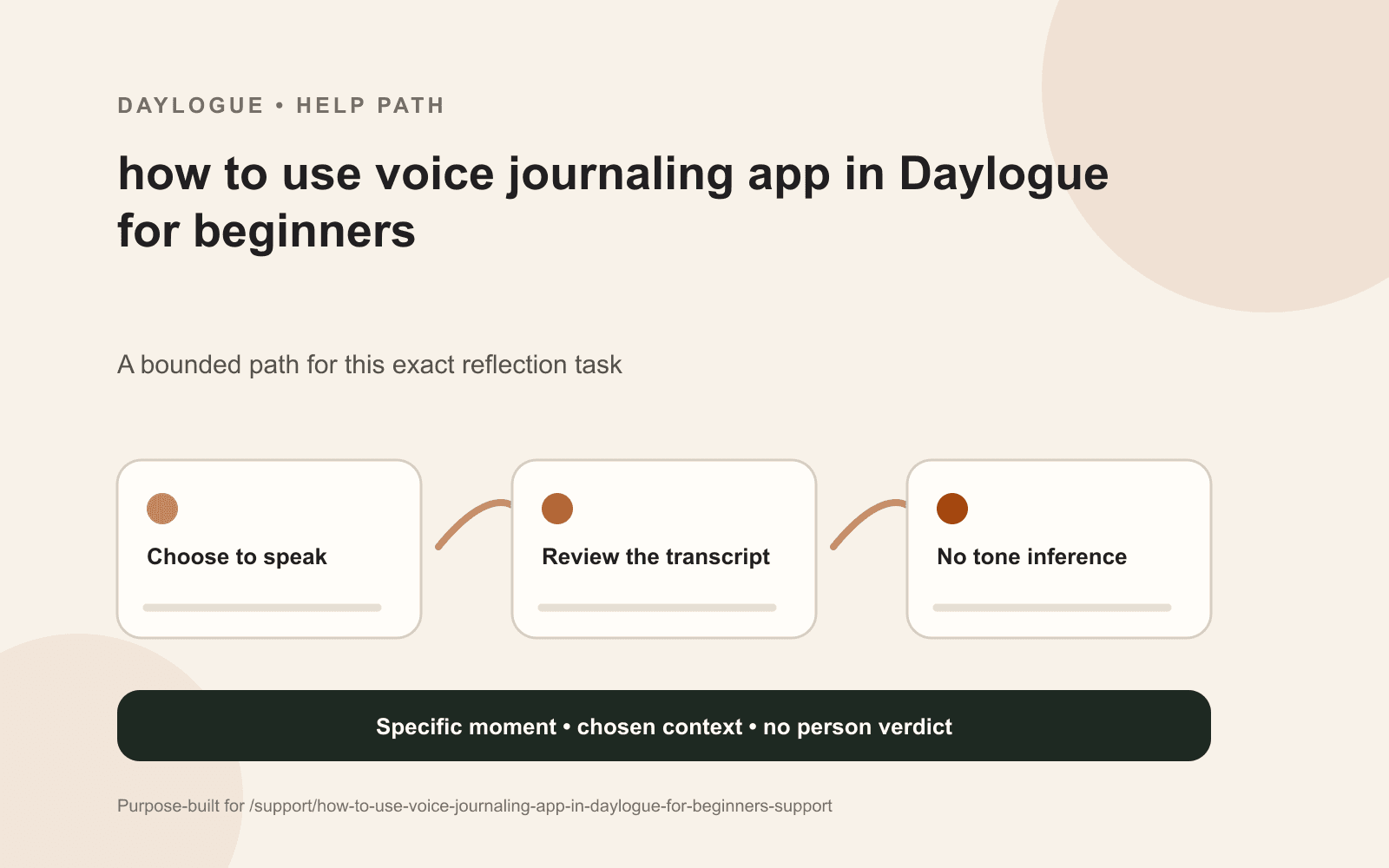
Voice journaling in Daylogue can begin with a short spoken account while walking, sitting in the car, or whenever typing feels too edited. The saved transcript deserves a quick meaning check because speech recognition can miss names or phrasing. The words matter; Daylogue does not infer emotion from voice tone.
When speaking fits better than typing
Speaking can catch language before it becomes polished. That can help when a thought is moving quickly or the person is away from a keyboard. It can also produce repetition, unfinished sentences, and background noise. None of those makes the reflection bad. The useful question is whether the saved words still carry the intended meaning.
A voice note can have a simple shape
A short voice entry might name the scene, say what stood out, and leave one open question. Silence between those parts is fine. The speaker does not need to perform a smooth monologue or reach a conclusion. If the moment feels too private for recording, it can remain unspoken or move to another place.
01
Speaking one scene
A place, event, and detail give the recording enough shape for a later read.
02
Pausing without filling space
Silence and unfinished thoughts do not need to be edited into a performance.
03
Checking meaning-changing words
Names, dates, negations, and who did what deserve attention in the transcript.
04
Correcting or discarding
The speaker can edit unclear text or leave the recording out of the saved history.
The transcript is a draft of what was said
Speech recognition may turn a person’s name into a common word, drop a negation, or join two sentences incorrectly. A transcript audit focuses on those meaning-changing errors. Cosmetic punctuation matters less than whether “did” became “did not,” a date shifted, or the subject of a sentence changed.
- Name or date transcribed incorrectly
- Negation dropped from a sentence
- Two speakers or ideas joined together
- Background sound obscuring a key phrase
Voice tone is not an emotion signal
Daylogue works from the words and context a person chooses to share. A shaky, flat, fast, or quiet voice is not treated as proof of an emotion. The person can name a feeling in the check-in if they want it represented. The sound of the voice does not supply a hidden reading about them.
| Transcript issue | Useful response |
|---|---|
| Punctuation looks rough | It can stay when meaning is intact |
| A name is wrong | Correction or generalization is available |
| The transcript changed “did not” to “did.” | Correction is available before relying on the entry. |
| A sentence feels too exposed | Removal or storage outside the service |
Keeping the spoken source inspectable
The transcript becomes part of the source record, so later summaries or reads need to stay close to its corrected wording. If a later listen or memory changes the account, a correction can be added. The generated interpretation remains open to review and never becomes more authoritative than the spoken moment.
The transcript errors most likely to change meaning involve names, dates, negation, speaker, and obscured phrases. A corrected record can precede any attempt to draw a thread from it.
Voice adds processing paths worth understanding
Audio and transcripts can involve voice and AI services, so the current privacy and subprocessor disclosures matter before recording. Voice check-ins are an alternative to typing. Daylogue reads the entries you choose to sync to create narratives and surface patterns. Entries are not end-to-end encrypted. No AI mode still syncs content and is not a local-only or end-to-end-encrypted mode. Vault storage does not make the service unable to decrypt content.
Checklist
Voice transcript audit card
A practical review card for checking the meaning of a spoken journal entry before it becomes part of the saved record.
- Speaker and subject are correct
- Names are accurate or generalized
- Dates and time references still fit
- Negations survived transcription
- Background noise did not replace words
- Private details are intentional
- Feeling appears only if you named it
- Transcript can be discarded if it does not fit
Common questions
Does Daylogue read emotion from my voice?
No. It works from shared words and context rather than inferring emotion from voice tone.
Do I need to correct every punctuation mark?
No. The priority is errors that change names, timing, negation, subject, or meaning.
Can a voice entry be very short?
Yes. One scene and one unresolved detail can be enough for a useful spoken check-in.
What if background noise changes the transcript?
The unclear passage can be corrected, generalized, deleted, or left unsaved.
Is speaking more accurate than typing?
Not automatically. Each format preserves different qualities and both remain selective personal accounts.
Sources
Sources were checked on the dates shown. Product details and policies can change.
- Daylogue voice check-ins · Daylogue · checked August 31, 2026
- Daylogue privacy policy · Daylogue · checked August 31, 2026
Keep exploring
Daylogue Knowledge Center
Browse practical guides for reflection, journaling, patterns, and privacy.
Read moreHow Daylogue shows patterns
See how candidate patterns stay connected to evidence and correction.
Read moreWhy Daylogue exists
Read the principles behind a system for self-understanding.
Read moreDaylogue is not therapy and is not a replacement for professional care.