Written by Daylogue Editorial Team. Published August 8, 2026. Reviewed and updated August 8, 2026.
Daylogue does not store voice recordings. Audio is processed during a voice check-in, while structured information is saved for narratives and patterns. Voice check-ins are not end-to-end encrypted. The current voice experience is described at /features/voice, and storage details are documented at /privacy.
What happens when you speak
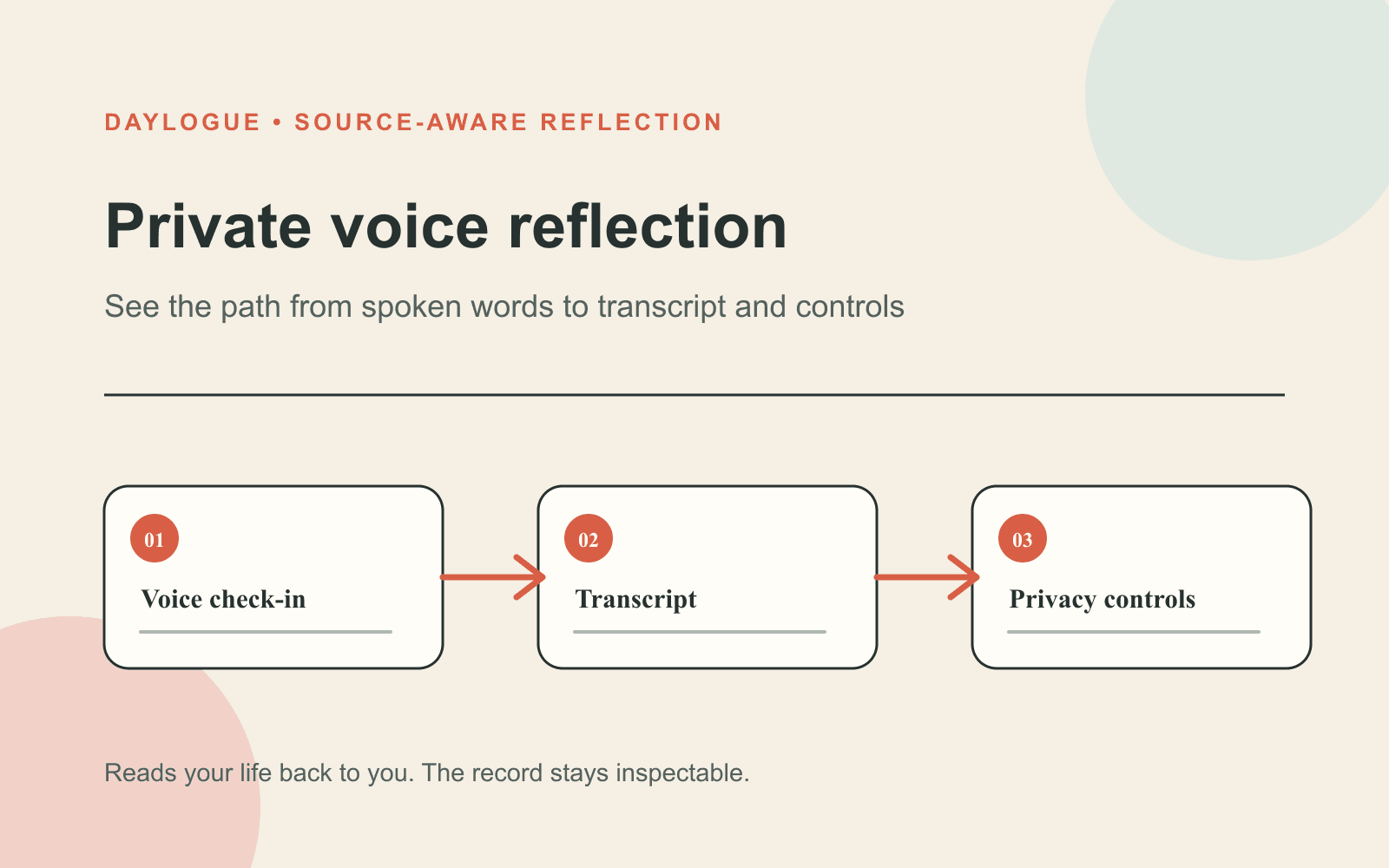
A voice check-in is a live conversation, not a stored voice memo. Voice check-ins use Deepgram for speech-to-text and ElevenLabs for conversational voice. See /features/voice for the current experience and /compare/best-voice-journaling-app for a buyer-level comparison.
Daylogue does not store voice recordings. The current voice and privacy pages say audio is processed in the moment and discarded after extraction. That removes the recording itself from the saved record, but it does not mean the conversation leaves no data behind.
What remains after the check-in
Daylogue saves structured information pulled from the words you chose to share, including fields used for check-ins and pattern history. The product source describes mood, energy, stress, and key themes as examples. Saved outputs are readable by Daylogue's servers because later narratives and patterns depend on them.
Audio retention is one question. Transcript and extracted-data retention are separate questions. The current /features/voice page explains the voice processing path, while /privacy documents storage and privacy details. Those pages provide the current public boundaries for each part of the question.
| Stage | What happens | What to verify |
|---|---|---|
| Speaking | Audio is processed in real time | Which services receive it during the session |
| Transcription | Spoken words become text for the check-in | Whether a full transcript remains available afterward |
| Extraction | Selected check-in fields and themes are created | Which fields are saved to your record |
| Later use | Saved material can support narratives and patterns | How to export or delete those outputs |
What private means here
Private does not mean invisible to the service. Voice check-ins are not end-to-end encrypted. Daylogue's privacy policy at /privacy says entries, check-in fields, AI-generated summaries, and structured metrics may be stored in readable form so server-side features can work.
The policy also states that data in transit is protected by TLS and that database controls limit records by user. Those are concrete protections, but they solve a different problem from end-to-end encryption. Choose based on the processing boundary you need, not on a single privacy label.
- No stored audio recording after the live check-in
- Readable saved data for narratives and pattern features
- TLS protection while data moves between systems
- Per-user access controls around stored records
- No end-to-end encryption for the voice check-in record
Your words are the input
Daylogue does not run emotion recognition on your face or on the tone of your voice. It works from what you choose to share. A pause, accent, volume change, or facial expression is not supposed to become a hidden judgment about how you feel.
That boundary is especially important in a voice product because natural conversation can feel more perceptive than it is. Read follow-up questions as responses to the content of your check-in. You remain the person who decides whether a label or returned theme fits.
Check training and provider boundaries
Your content is not used to train AI models. The privacy policy names the providers involved in voice and AI processing and says they operate under zero-data-retention arrangements for these workflows. Provider processing still happens, so the subprocessor list is part of the privacy decision.
Policies and provider arrangements can change. Before a sensitive check-in, review the current privacy policy and subprocessor page, not a screenshot or an old app-store description. Look for the date of the policy and the exact handling of audio, transcripts, extracted fields, and generated summaries.
Do a one-minute privacy check
Decide what level of detail you want to say aloud before you open the microphone. You can use names, initials, roles, or no identifying label at all. The useful boundary is the one you can remember while speaking naturally, not a complicated rule you will abandon halfway through.
After the check-in, inspect the saved result. If the wording is off, regard it as a draft to inspect, even though it came from your own voice. Note the mismatch and ask Daylogue Support at /support whether a current correction control exists. Ask separately about export and deletion scope.
01
Choose your detail level
Decide whether names, workplaces, locations, or other identifying details are necessary for this reflection.
02
Speak in your own words
Describe the day directly without trying to sound polished or supply a label you do not believe.
03
Inspect what was saved
Review the resulting fields or summary and note anything missing, overstated, or attached to the wrong context.
04
Confirm your controls
Check the current export and deletion instructions before assuming the audio, transcript, fields, and summaries share one rule.
Checklist
Private voice check-in checklist
Use these checks before and after a voice reflection to keep the processing boundary clear.
- Decide which names, places, and identifying details you truly need to say.
- Confirm that audio is processed live and is not stored as a recording.
- Remember that structured fields and generated outputs can remain readable to the service.
- Check the current privacy-policy date and named subprocessors.
- Inspect the saved result for wording that does not fit what you meant.
- Confirm export and deletion scope before assuming every data layer follows one rule.
Common questions
Does Daylogue save my voice recording?
No. The current voice and privacy pages state that audio is processed during the check-in and not stored afterward. Structured information and generated outputs can still remain in readable form.
Is a Daylogue voice check-in end-to-end encrypted?
No. The service needs to process what you share to transcribe the check-in, create saved fields, and support later narratives and patterns. Data is protected in transit and by per-user access controls.
Does Daylogue guess emotion from my voice tone?
No. The privacy policy says Daylogue does not run emotion recognition on voice tone or faces. It works from the words and information you choose to share.
Is my voice check-in used to train AI?
The privacy policy says personal content is not used to train AI models. It also identifies Deepgram, ElevenLabs, and AWS Bedrock as providers involved in the voice and AI workflow.
What should I check before sharing something sensitive?
Review the current policy date, the subprocessor list, what gets saved after audio is discarded, and how export and deletion apply to transcripts, structured fields, summaries, and derived observations.
Sources
Sources were checked on the dates shown. Product details and policies can change.
- Daylogue voice check-ins · Daylogue · checked August 8, 2026
- Daylogue privacy policy · Daylogue · checked August 8, 2026
- NIST AI Risk Management Framework · National Institute of Standards and Technology · checked August 8, 2026
- NIST Privacy Framework · National Institute of Standards and Technology · checked August 8, 2026
Keep exploring
Daylogue Knowledge Center
Browse practical guides for reflection, journaling, patterns, and privacy.
Read moreHow Daylogue shows patterns
See how candidate patterns stay connected to evidence and correction.
Read moreWhy Daylogue exists
Read the principles behind a system for self-understanding.
Read moreDaylogue is not therapy and is not a replacement for professional care.