Written by Daylogue Editorial Team. Published August 9, 2026. Reviewed and updated August 9, 2026.
Daylogue's Backstory feature at /features/backstory documents imports from text, Markdown, HTML, and RTF files, whole folders or zips, PDFs, photos of handwritten pages, ChatGPT and Claude exports, Day One, Apple Notes, and pasted text. This worksheet complements that feature by helping you preserve dates, source labels, missing context, and privacy choices before upload. The public Backstory page does not document export or how imported material changes generated reads, so keep those as questions for the live product or support.
Preserve context before chasing volume
A fifty-page notebook is not automatically more useful than five carefully labeled entries. Without dates, source labels, and notes about missing pages, an import can make old writing look more complete and current than it really is. Start with a small sample you can verify.
Choose one month, one trip, or one transition. Keep each entry attached to its original date and source. If a date is uncertain, mark it as uncertain instead of guessing. The archive becomes easier to search because its gaps stay honest.
Build an import record for each entry
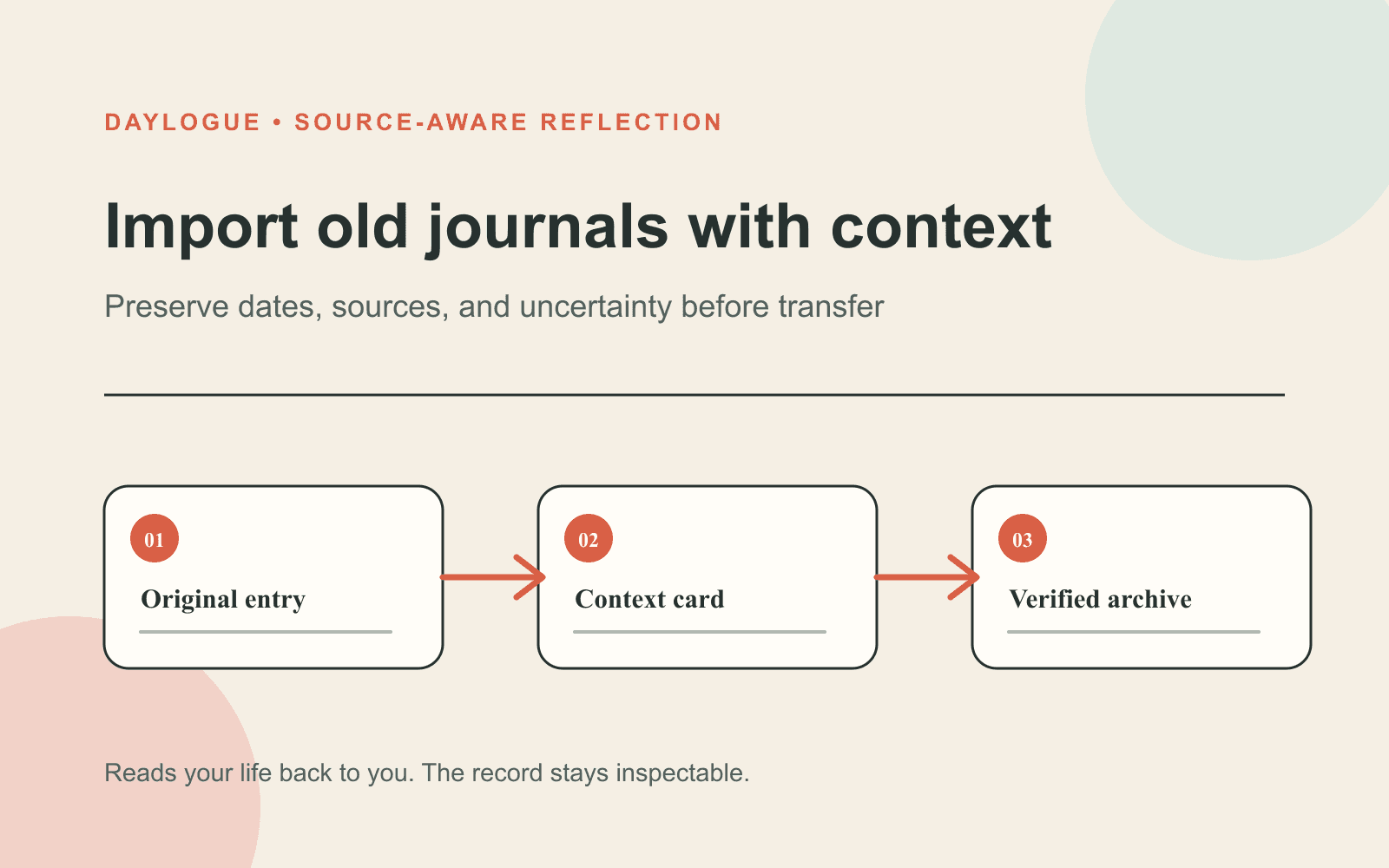
Give every entry a compact header before copying the body. Include the original date, the date you digitized it, the notebook or file name, whether the text is complete, and a privacy label. These fields help you distinguish an old moment from a present-day interpretation of it.
Preserve the original emotional wording. Limit cleanup to obvious scan errors. If you add present-day context, place it in a separate note so the old voice and the new explanation do not blend together.
| Field | Example | Rule |
|---|---|---|
| Original date | Approx. October 2019 | Mark uncertainty instead of inventing precision |
| Source | Blue notebook, page 42 | Keep a stable label that points back to the original |
| Completeness | Last paragraph missing | State gaps before the text is interpreted |
| Privacy | Remove full names before transfer | Make the choice entry by entry |
| Present note | Added in 2026 | Keep later context separate from the historical entry |
Prepare a small test batch
A test batch lets you see how dates, paragraphs, names, and attachments survive the move. It also shows whether the receiving system preserves source boundaries or turns the archive into one uninterrupted block. Five to ten entries are enough for this check.
Review the test on a phone and a larger screen. Search for a distinctive phrase and compare one imported entry with the original. Keep the full archive outside the system until you understand what it keeps and leaves behind. The Backstory page confirms import and explains that duplicates are skipped, but it does not document export.
01
Choose one bounded period
Select a month, trip, school term, or other period small enough to compare against the originals.
02
Create entry headers
Add the original date, source label, completeness note, and privacy choice before the body text.
03
Transfer five to ten entries
Use only a test batch and keep the untouched originals outside the receiving system.
04
Verify and export
Compare dates and wording, test search, and check whether an export returns a usable copy of the sample.
05
Decide whether to continue
Proceed only after you can explain retention, deletion, correction, and the handling of generated observations.
Keep later reads tied to the archive
Backstory brings imported entries into Daylogue's narrative timeline. Keep imported prose and current structured check-ins as different record types unless the product documents otherwise. If a later read draws on old material, the source date and original format still matter.
If a later read draws on old material, ask which entries supported it and which parts came from present-day check-ins. A recurring overlap does not show that one thing caused another. Old writing can add context, but age alone does not make a theme accurate or current.
- Keep historical entries labeled as historical material.
- Separate original text from present-day annotations.
- Ask which imported sources support any returned thread.
- Look for a comparable old entry that does not fit the thread.
- Read an old label as historical context, not a current-life verdict.
Make the privacy decision before transfer
The NIST Privacy Framework is a voluntary tool for identifying and managing privacy risk. Use that lens to map what leaves your possession, which service receives it, how long it remains, and what controls you have if you change your mind.
Old journals may name people who never agreed to have their details copied into a digital service. Consider initials, role labels, or redaction when identity is not necessary for your own understanding. Keep an offline original so privacy edits do not erase your only copy.
Keep the feature boundary clear
Import old journals from text files, folders, PDFs, even photos. The Backstory page also names ChatGPT and Claude exports, Day One, Apple Notes, and pasted text. Past entries appear on your narrative timeline. See /features/backstory for current feature behavior.
The public Backstory page does not specify export, duplicate handling, source-level deletion, or how imported material affects generated reads. Those remain open product questions rather than promises this preparation worksheet can answer.
No research or outcome claim has been approved for public use yet. This worksheet therefore helps you protect context and inspect a transfer. It does not promise that importing old journals will improve an outcome, recover a complete story, or produce a more accurate read.
Worksheet
Old journal context card
Complete one card for every historical entry in your test batch so dates, sources, gaps, and privacy choices survive the transfer.
- Original date, including an uncertainty label when the exact day is unknown.
- Source notebook, file name, page number, or another stable pointer to the original.
- Completeness note for missing pages, cut-off sentences, or unreadable text.
- Privacy choice for names, locations, workplaces, and identifying details.
- Original entry text with only obvious transcription errors corrected.
- Present-day annotation stored separately and labeled with today's date.
- Verification result after comparing the imported copy with the original.
- Export and deletion questions that remain unanswered after the test.
Common questions
Can I import old journals into Daylogue?
Yes. Import old journals from text files, folders, PDFs, even photos. The live /features/backstory page also names ChatGPT and Claude exports, Day One, Apple Notes, and pasted text. This worksheet helps preserve context before using that documented import feature.
What context should I keep with every old entry?
Keep the original date, source notebook or file, completeness status, privacy choice, and any present-day annotation. Mark uncertain dates and missing passages directly.
Should I import my entire archive at once?
Start with five to ten entries from one bounded period. Verify dates, search, source labels, export, correction, and deletion before moving more material.
How should I handle other people's names?
Decide entry by entry whether a full name is necessary for your own record. Initials, roles, or redaction can preserve context while reducing exposure for people mentioned in the writing.
Will old entries make pattern reads more accurate?
Daylogue's public documentation does not support that promise. Historical writing can add context, but it may lack structured fields, contain gaps, or reflect circumstances that no longer fit your life.
Sources
Sources were checked on the dates shown. Product details and policies can change.
- Daylogue Backstory import · Daylogue · checked August 9, 2026
- Daylogue privacy policy · Daylogue · checked August 9, 2026
- Daylogue evidence and methods · Daylogue · checked August 9, 2026
- NIST Privacy Framework · National Institute of Standards and Technology · checked August 9, 2026
Keep exploring
Daylogue Knowledge Center
Browse practical guides for reflection, journaling, patterns, and privacy.
Read moreHow Daylogue shows patterns
See how candidate patterns stay connected to evidence and correction.
Read moreWhy Daylogue exists
Read the principles behind a system for self-understanding.
Read moreDaylogue is not therapy and is not a replacement for professional care.